You Don't Got Mail: A Non-Tech Guide to DKIM, DMARC, SPF
"My emails are bouncing! Do mail providers care if MX records are missing or wrong?"
David Mitchell
Editor
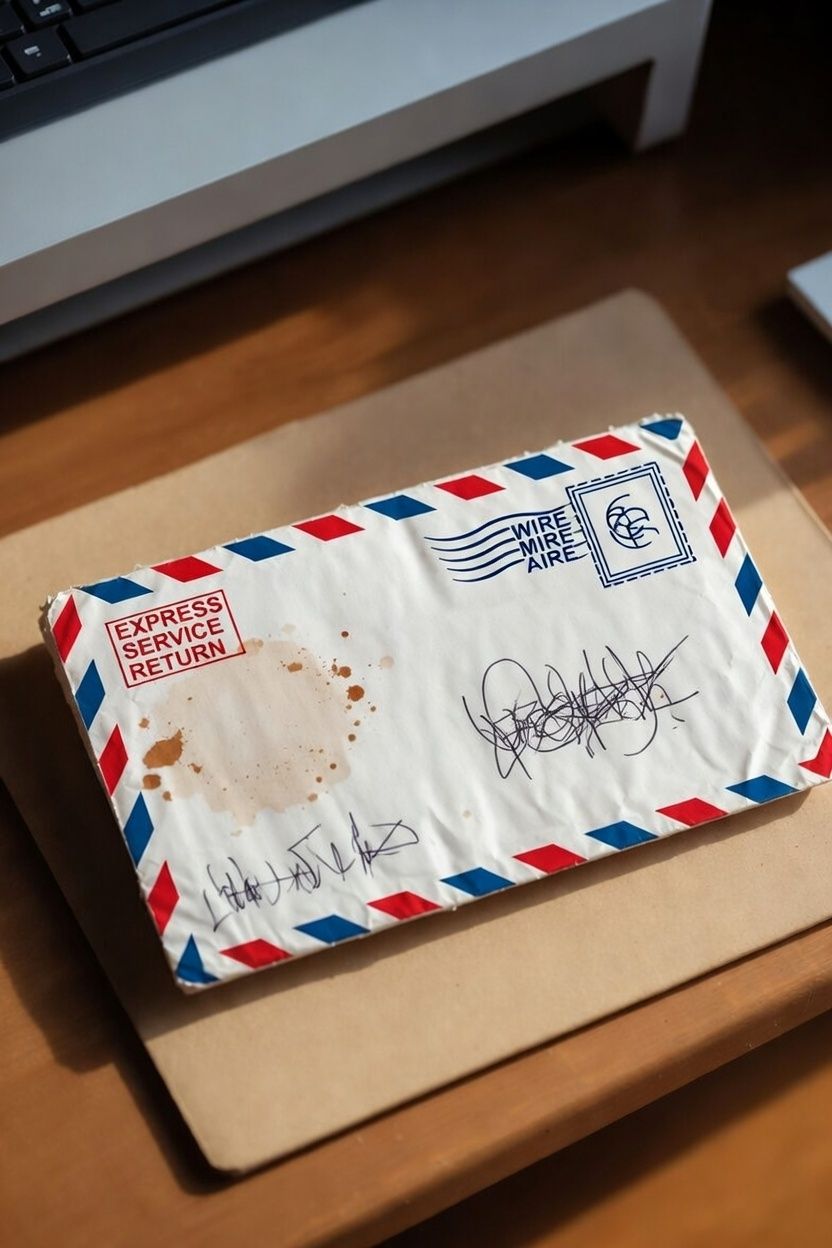
Imagine sending a letter with no return address * and* the recipient's address scribbled illegibly. The postal service would likely just toss it. Email works similarly. MX (Mail Exchange) records are like your email server's official street address in the internet's giant address book (DNS). They tell other mail servers exactly where to deliver messages for your domain (e.g., @yourbusiness.com).
If these records are missing, incorrect, or point to a dead server, major providers like Gmail, Outlook, or Yahoo face a critical problem: They have nowhere valid to deliver your email. Their systems are designed to protect users from spam and phishing. A domain with no clear MX destination is a massive red flag. It screams "This domain isn't set up for real email!" or worse, "This might be a scammer trying to hide." The result? Your emails won't just go to spam – they'll often bounce instantly with errors like "550 5.1.1 User unknown" or "Mail server not found." No MX record = no delivery path. Period. It’s the absolute foundation; without it correctly configured, DKIM, DMARC, and SPF can't even get a foot in the door.
"How does bad email reputation actually hurt me? Can it really stop my sales emails?"
SEO is conceptually like the reputation of your website from both the content as well as the technical function (speed; links; mobile friendly design). In a similar way, email is "evaluated" not by search engines but by a cooperative network of email providers. For more information, read "Who's reading my emails?".
Your email domain and the IP address of your email's sending server has a reputation. Every time you send mail, major providers silently track key behaviors: Do recipients mark your emails as spam? Do they ignore them completely? Do you send sudden, huge blasts? Do you follow email best practices (like using DKIM/DMARC/SPF)? A poor reputation is devastating for deliverability, or "inboxing".
Here’s the harsh reality: Even if your email content is perfect and your list is 100% opted-in, a bad reputation can land your crucial messages (order confirmations, inquiries, password resets) straight into the spam folder – or block them entirely. If other senders using your IP address (which is common with super-cheap web hosting) or your own past behavior (like previous spam complaints) has tanked the reputation, all mail from that source suffers. You may not even know you're guilty!
Rebuilding lost email trust takes consistent, clean sending over weeks or months. If you suspect you're losing business because your emails are not being delivered, check the Email Deliverability report in your Kapient Dashboard.
"Is sending too many 'promotional' emails really that bad? What are the dangers?"
"Unsolicited" is the key word here. Bombarding people who never asked for your emails (cold emailing, buying lists, assuming "they might be interested") is the route to disaster.
- Spam Complaints Jump: Recipients hit "Report Spam" out of frustration. Just a handful of complaints from major providers can trigger immediate, widespread filtering of all your future emails – even legitimate ones. Spam complains of 0.5% (5 in 1,000 emails) is enough to harm your deliverability.
- List Churn & Low Engagement: People unsubscribe or ignore you. Low open/click rates signal to providers your mail is unwanted junk, further tanking your reputation. Yes, mail service providers can and do evaluate if your emails are opened by recipients.
- Blacklisting: Aggressive spamming gets your domain or IP address added to public blocklists (like Spamhaus). If you "find" a free list of prospective customers, you will likely get a surge of spam complaints which will shut down ALL your emails.
- Brand Damage: Being labeled a spammer destroys trust. People associate your brand with annoyance and unprofessionalism.
- Legal Trouble (CAN-SPAM/GDPR): Violating laws (like not having a clear unsubscribe link or sending without permission) can lead to massive fines. Permission isn't just polite; it's the bedrock of deliverability. One unsolicited email might seem harmless, but the pattern destroys your ability to communicate.
"Why do my website form emails vanish? Is a 'shared IP address' really the problem?"
If a web form gets sent in the forest, does it make a sale? Form failure is not an uncommon thing. Many basic website hosting plans (especially cheap shared hosting) put hundreds of unrelated websites on a single server sharing one public IP address for sending email. This is the "bad IP neighborhood" problem.
Imagine living in an apartment building. If one neighbor constantly throws loud, illegal parties (sends spam), the police (email providers) start scrutinizing everyone in the building. If they see too much suspicious activity coming from that building's address (the shared IP), they might block mail from the entire building.
Here's what happens to your "Contact Us" form emails:
- Your form uses the server's shared IP to send the message.
- The previous tenant on that IP (or a current neighbor) was a notorious spammer.
- Gmail/Outlook see mail coming from that IP and think, "This IP has a terrible history; it’s likely spam again."
- Your perfectly legitimate customer inquiry gets silently blocked or dumped into spam – not because you did anything wrong, but because you're stuck in a digital slum. DKIM/DMARC/SPF help if configured correctly on your domain, but they can't fully overcome the stigma of a toxic shared IP reputation. For critical business communication (like form submissions), using a dedicated email service (like SendGrid, Mailgun, or your business email provider) with its own reputable IP is essential.
"I switched email providers – why are my emails broken? Common MX record mistakes?"
Switching from Gmail to Microsoft 365, or to a new hosting company? MX record errors are the #1 culprit behind post-move email disasters. Here’s what typically goes wrong:
- Old Records Linger: You set up the new MX records, but forget to delete the old ones pointing to Gmail or your previous host. Mail servers get confused – should they deliver to the old place (which might reject it) or the new? Chaos ensues (bounces, delays).
- Typos Galore: MX records are precise strings (e.g.,
aspmx.l.google.com.). A single missing dot, a typo in the server name (gmalinstead ofgmail), or incorrect priority numbers (10vs5) renders them useless. One character off = delivery failure. - Propagation Patience: DNS changes take time (hours, sometimes 48h). People expect instant results, panic when email stops working immediately after the switch, and make more mistakes.
- Not Updating All Records: Sometimes you need to update more than just MX (like TXT records for SPF). Focusing only on MX while leaving old SPF pointing to the previous provider causes authentication failures.
- Confusing MX with A Records: MX points to mail servers. Your website (
www.yourbusiness.com) uses an A record pointing to a web server. Mixing these up (e.g., pointing MX to your web host's IP) means mail goes to the wrong machine and gets rejected.
The Fix-It Checklist (Non-Tech Version!)
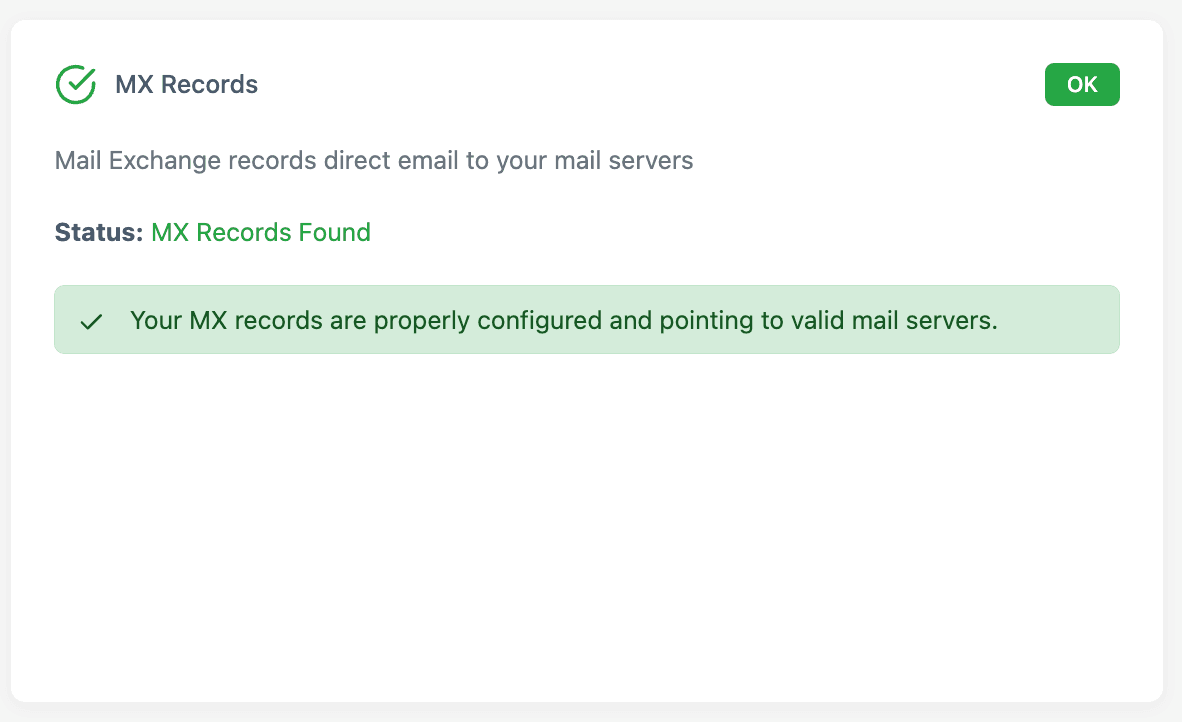
- Verify MX: Use Kapient to confirm that your email servers are correctly configured. Does it show only the correct servers for your current email provider? Ask your web developer (or us) to delete old ones!
- Check SPF: Should be a single TXT record starting
v=spf1 ... include:provider.com ... -all. Doesprovider.commatch your current email service? (e.g.,include:_spf.google.comfor Google Workspace). - Enable DKIM: Your email provider gives you a unique selector and key. Add the provided TXT record (
selector._domainkey.yourdomain.com). This is your email's digital signature.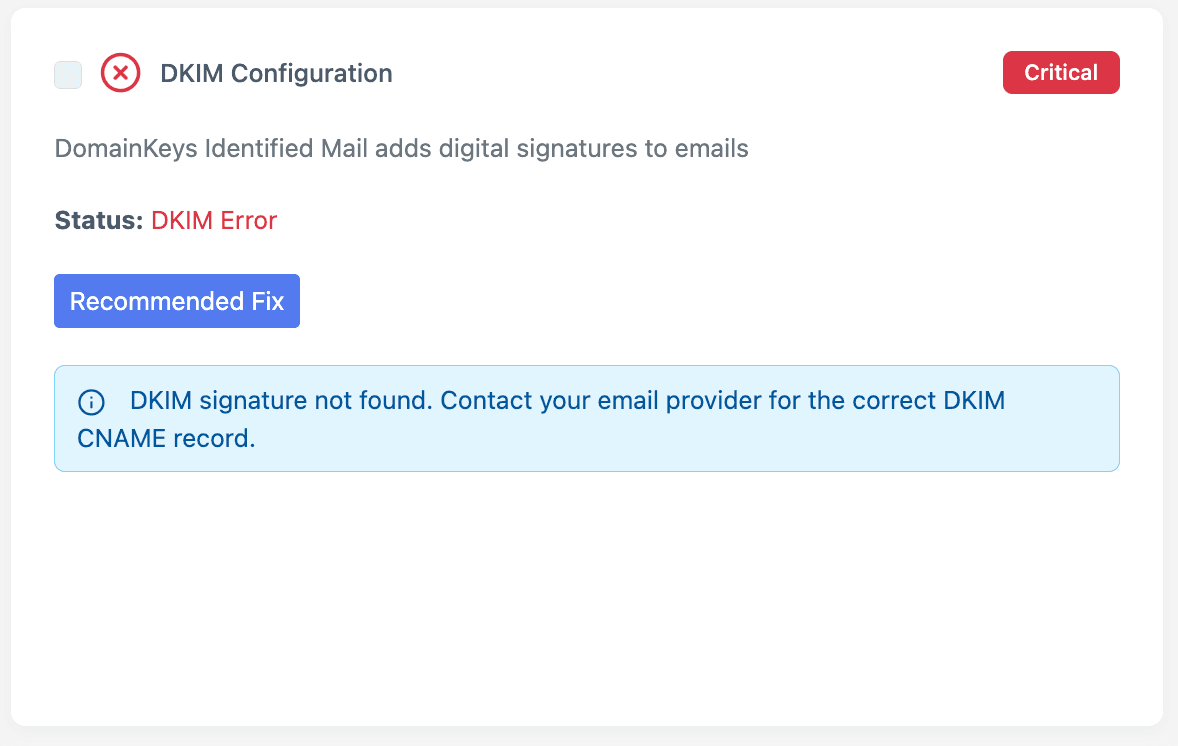
- Set DMARC: Start simple! Create a TXT record for
_dmarc.yourdomain.comwith:v=DMARC1; p=none; rua=mailto:you@yourdomain.com;This tells providers, "Monitor my email, but don't block anything yet – just send me reports." Review reports, then later changep=nonetop=quarantineorp=rejectfor full protection.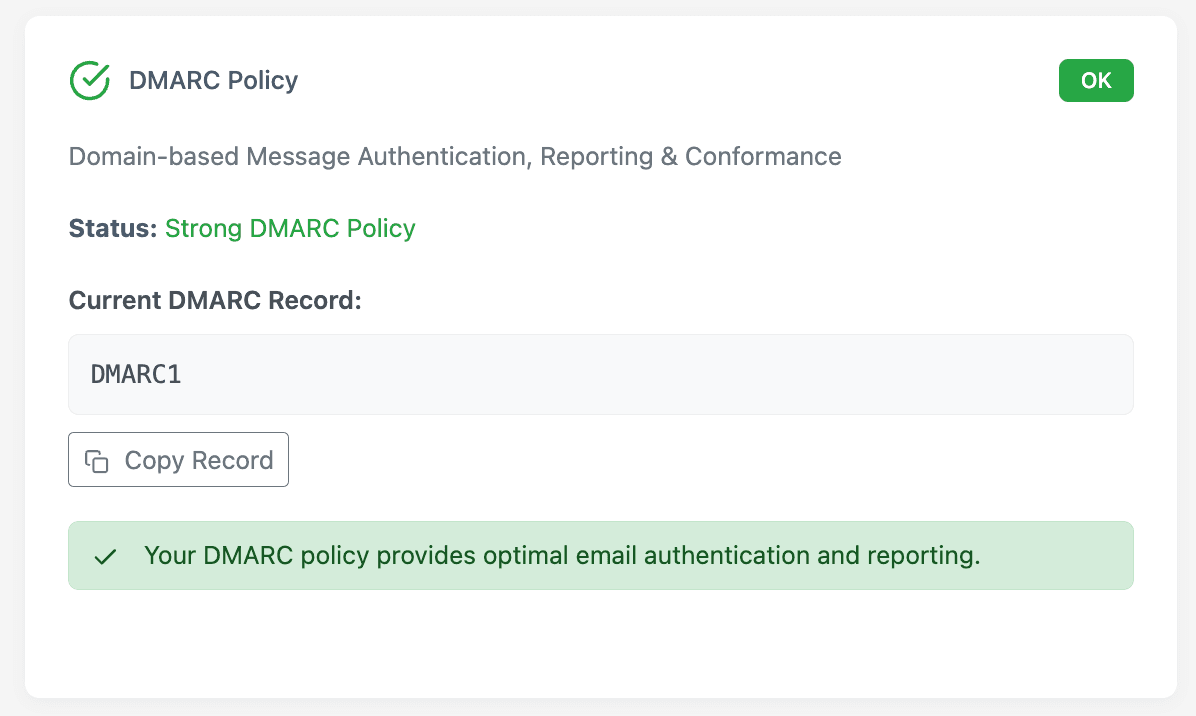
- Ditch Shared IP for Forms: Use your business email service (like Office 365 or Google Workspace) or a dedicated transactional email service (SendGrid, Formspark.io.) to send form submissions. Never rely solely on your web host's mail server for important messages.
Stop Guessing, Start Delivering
DKIM, DMARC, and SPF aren't just tech jargon – they're your email's ID badge, reputation manager, and guest list. Combined with clean sending practices and avoiding toxic IP neighborhoods, they build the trust email providers demand. Skipping them, or letting MX record problems linger after a switch, is like launching a business with a broken sign or a wrong phone number. Fix these fundamentals, and you transform "Why aren't they getting my emails?!" into "Wow, our messages are landing perfectly."
Sign up for Kapient here to start verifying (and fixing) your MX records – your customers (and your sales) will thank you.
Written by
David Mitchell
Editor
Lorem ipsum dolor sit amet consectetur adipisicing elit. Quisquam, quod.
Related articles

10 Common WCAG Failures and How to Fix Them
September 22, 2026

Website Accessibility for Agencies: Turning Compliance Into a Service
September 16, 2026
10 Best UptimeRobot Alternatives for 2026
September 10, 2026
How to Check if Your Website Meets WCAG Accessibility Standards
September 10, 2026