WCAG
What Is WCAG?
TL;DR: WCAG stands for the Web Content Accessibility Guidelines, the international standard for making websites and digital content usable by people with disabilities. It is published by the World Wide Web Consortium (W3C) and built on four principles, known as POUR: Perceivable, Operable, Understandable, and Robust. It defines three conformance levels, A, AA, and AAA, with AA being the level most laws require. The current version is WCAG 2.2, released in 2023. This guide explains what WCAG covers, how it is structured, where it is legally required, and how to stay compliant as your site changes.
WCAG is the set of guidelines that defines what accessible web content actually looks like. When a law, a contract, or a policy says a website must be accessible, WCAG is almost always the standard it is measured against. It is maintained by the W3C's Web Accessibility Initiative and is recognized around the world, which is why it sits underneath accessibility requirements in the United States, the European Union, Canada, and beyond.
The goal of WCAG is straightforward even though the document is detailed: make sure people who use screen readers, navigate by keyboard, need captions, or rely on high contrast can access the same content and complete the same tasks as anyone else. Everything in the standard rolls up to that single aim.
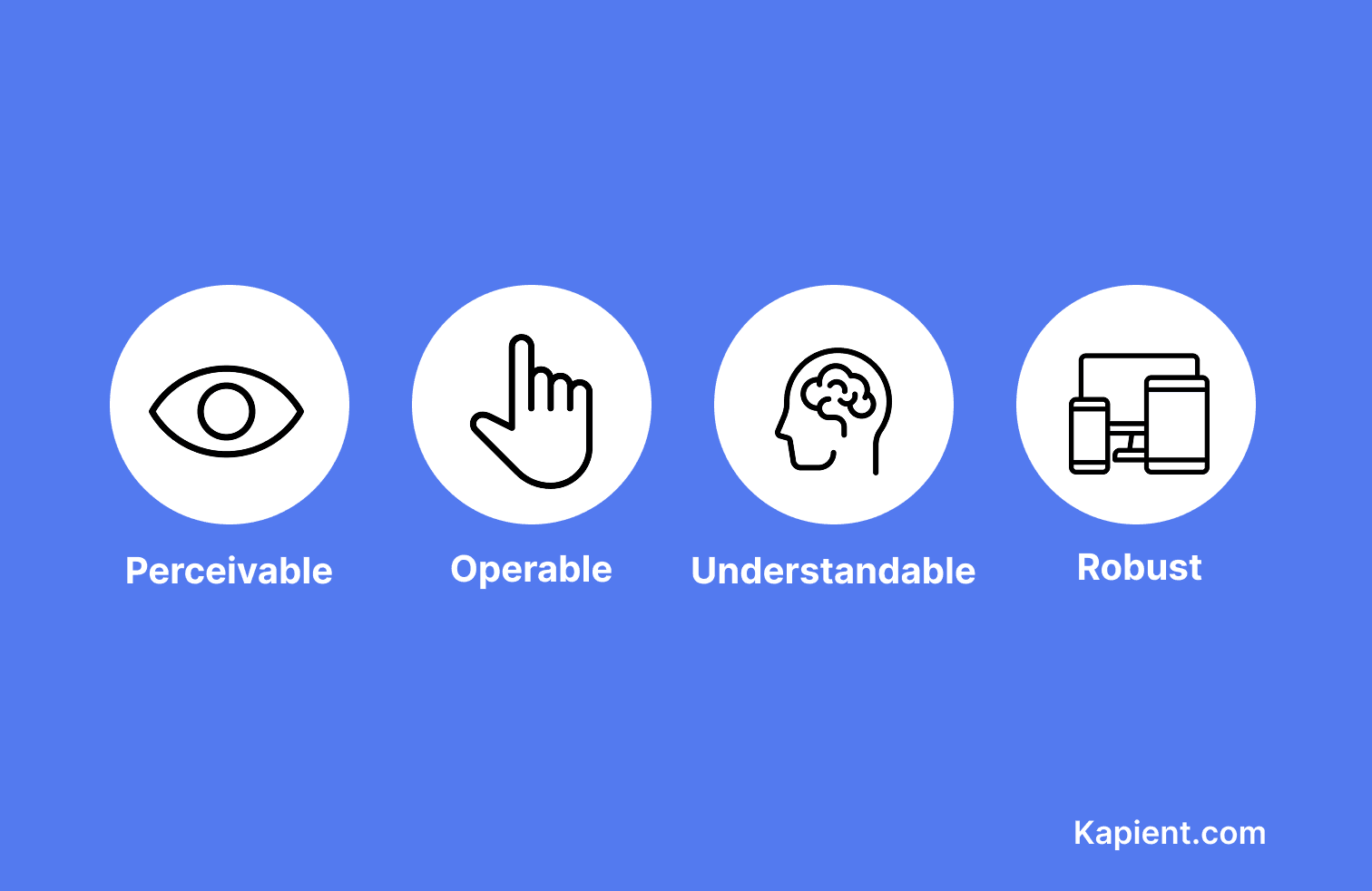
WCAG organizes web accessibility into four principles, a set of guidelines, and testable success criteria.
What does WCAG stand for, and who publishes it?
WCAG stands for the Web Content Accessibility Guidelines. It is developed and maintained by the World Wide Web Consortium (W3C), the main international standards body for the web, through its Web Accessibility Initiative (WAI). The guidelines are created openly with input from industry, disability advocates, researchers, and governments, which is part of why they have become the global reference point.
WCAG is influential enough that WCAG 2.0 was also adopted as an international standard in its own right, ISO/IEC 40500. That formal status is one reason governments reference WCAG directly in their accessibility laws rather than writing technical rules from scratch.
The four principles of WCAG (POUR)
Every requirement in WCAG rolls up into four principles, often remembered by the acronym POUR. If content fails any one of them, some group of users is left out.
| Principle | What it means | Example requirement |
|---|---|---|
| Perceivable | Users must be able to perceive the content through some sense | Text alternatives for images, captions for video |
| Operable | Users must be able to operate the interface and navigation | Full keyboard access, enough time to read, no rapidly flashing content |
| Understandable | Content and how the interface works must be clear and predictable | Readable text, consistent navigation, helpful input labels and errors |
| Robust | Content must work reliably across browsers and assistive technologies | Valid, well-structured code that a screen reader can interpret correctly |
The three conformance levels: A, AA, and AAA
WCAG sorts its testable requirements, called success criteria, into three levels of conformance. The levels are cumulative, so meeting AA also means meeting A.
- Level A is the minimum. These are the most essential requirements, and failing them makes a site impossible for some people to use at all.
- Level AA addresses the most common and significant barriers. This is the level most organizations aim for, and the one that accessibility laws and policies almost always require.
- Level AAA is the highest and most demanding level. It is rarely required across an entire site, and W3C itself notes it is not achievable for all content, so it is usually applied selectively.
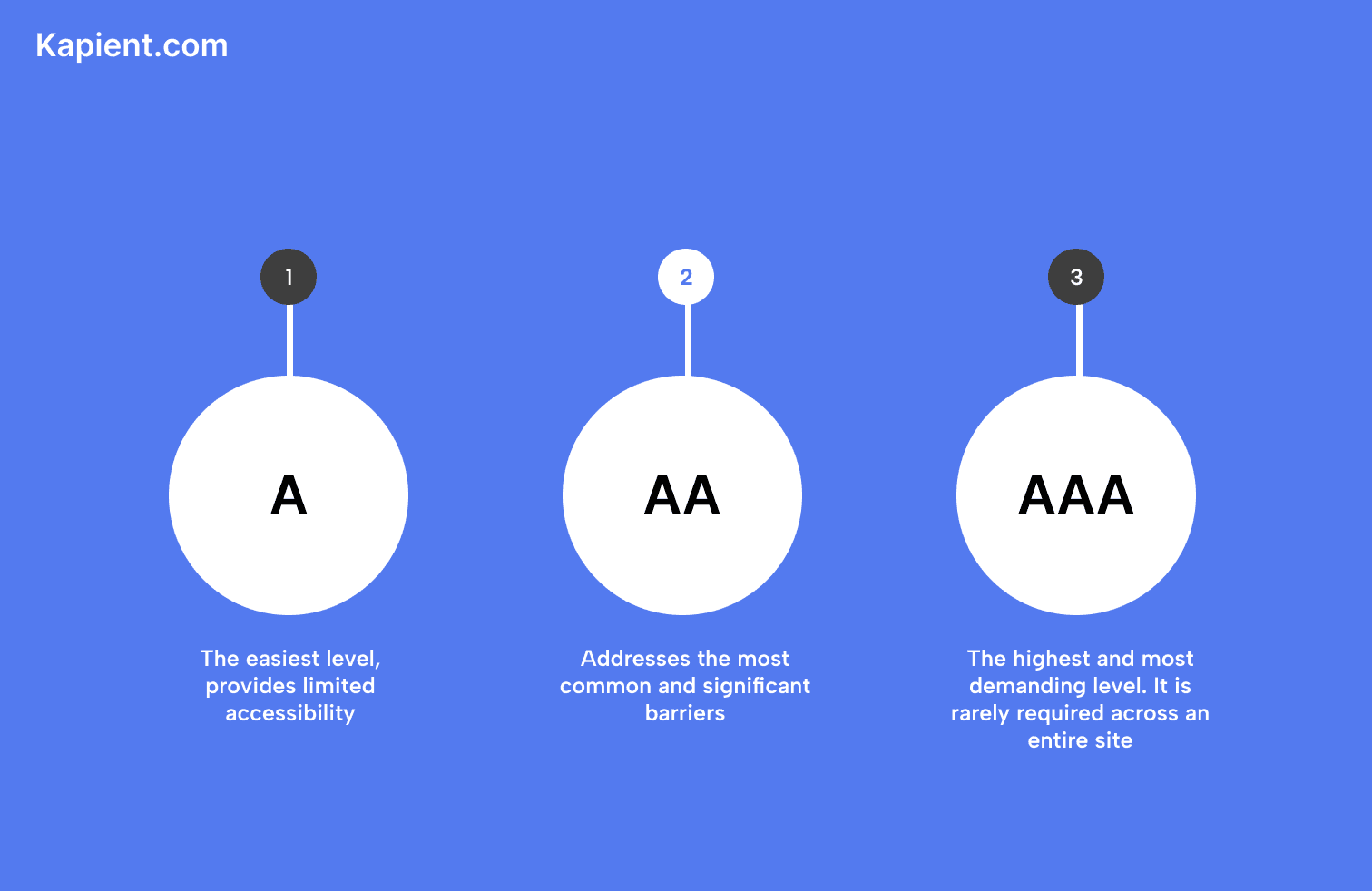
For nearly everyone, the practical target is WCAG Level AA. When someone says a site should be "WCAG compliant" without naming a level, they almost always mean AA.
How WCAG is structured
WCAG works as a hierarchy. The four POUR principles sit at the top. Under them are 13 guidelines that describe broad goals, such as providing text alternatives or making content keyboard accessible. Under each guideline are the success criteria, which are the specific, testable statements you actually measure a site against.
Those success criteria are what an audit checks, one by one. In the current version, WCAG 2.2, there are 86 success criteria across all three levels. Each one is written to be testable, so two people evaluating the same page against the same criterion should reach the same conclusion.
WCAG versions, from 2.0 to 3.0
WCAG has evolved over time, and the versions are backward compatible, so meeting a newer version means you also meet the older ones.
| Version | Year | Status and notes |
|---|---|---|
| WCAG 2.0 | 2008 | W3C Recommendation, also adopted as ISO/IEC 40500. Still referenced by some laws, including Ontario's AODA and US Section 508 |
| WCAG 2.1 | 2018 | Added 17 success criteria covering mobile, low vision, and cognitive needs. A common legal benchmark |
| WCAG 2.2 | 2023 | The current version, published October 2023. Added 9 criteria and removed one (4.1.1 Parsing), for 86 total |
| WCAG 3.0 | In draft | Still in development and years from becoming a standard. It will not be backward compatible |
The takeaway is that WCAG 2.2 Level AA is the current best target. Because it is backward compatible, meeting it also satisfies WCAG 2.1 and 2.0 obligations, which keeps you covered across most laws at once.
Is WCAG a legal requirement?
WCAG itself is a technical standard, not a law. But many laws point to it, which is what makes it effectively mandatory for a large share of organizations. This is context worth understanding, though the specifics depend on where you operate and none of this is legal advice.
In the United States, the Americans with Disabilities Act (ADA) does not name WCAG in its text, but courts and settlements routinely treat WCAG Level AA as the benchmark, and Section 508 requires it for federal agencies. In the European Union, the European Accessibility Act, in force since June 2025, and the EN 301 549 standard both rely on WCAG. In Canada, Ontario's AODA legally requires WCAG 2.0 Level AA for public-sector organizations and private businesses with 50 or more employees, while the federal Accessible Canada Act generally aligns with WCAG 2.1 Level AA. The common thread is that WCAG Level AA is the practical bar almost everywhere.
Why WCAG conformance is not a one-time achievement
Here is the part that catches organizations out. Passing a WCAG audit is not a permanent state. A website changes constantly, and every new blog post, product page, plugin update, or redesign is a chance to introduce a new WCAG failure. A new image ships without alt text and fails Perceivable. A redesigned button loses its focus state and fails Operable. A template change drops the contrast below the threshold.
That is the shelf-life problem. An audit is a snapshot of one moment, and conformance based on that snapshot ages the instant your content changes. The site you brought to WCAG AA in the spring can be failing by summer, with no report and no warning, because nothing is watching for the regression. Staying compliant depends on catching new issues the moment they appear, not on a certificate from last quarter.
How Kapient helps you monitor WCAG conformance
This is where continuous monitoring replaces the periodic audit. Kapient continuously checks your live website against WCAG, so the machine-detectable issues that reappear as your content changes are surfaced as they happen rather than at your next annual review.
Kapient handles the automated, ongoing layer of WCAG conformance. It watches the live-site factors most likely to break with everyday edits:
- Images missing meaningful alt text
- Color contrast that drops below WCAG thresholds after a design change
- Keyboard and navigation issues that block people who do not use a mouse
- Forms with missing or unclear labels
When Kapient detects an issue, it sends an email alert so you know something needs attention, To check your site against WCAG in the first place, see our guide to accessibility testing, and for fixing what you find, see accessibility remediation.
One honest boundary. Automated monitoring catches the portion of WCAG that can be tested by software, so Kapient does not replace the manual, assistive technology, and user testing that full conformance requires. What it does is make sure the automatable checks never lapse between manual reviews, so a new barrier is caught in days rather than discovered in a complaint. It also covers your live website, not the interiors of downloadable documents.
WCAG conformance is a moving target, not a finish line. Kapient watches your live site against WCAG around the clock and hands you the exact fix the moment something breaks. Start monitoring your site with Kapient so a new accessibility barrier never slips through unnoticed.
Frequently asked questions
What is a WCAG standard? A WCAG standard is the Web Content Accessibility Guidelines, the international benchmark for accessible web content published by the W3C. It defines, through testable success criteria, what a website must do to be usable by people with disabilities. It is organized under four principles (Perceivable, Operable, Understandable, Robust) and three conformance levels (A, AA, AAA).
Is WCAG 2.1 a standard? Yes. WCAG 2.1 is an official W3C Recommendation, published in 2018, which is the W3C's term for a finished web standard. It added 17 success criteria to WCAG 2.0, focused on mobile, low vision, and cognitive accessibility. WCAG 2.2 is now the current version, but 2.1 and 2.0 both remain valid standards that many laws still reference.
How do I make my website WCAG compliant? Start by testing your site against WCAG 2.2 Level AA to find the barriers, then fix them in your code and content, a process called remediation. Confirm the fixes with automated tools plus manual and screen reader testing, since automation alone cannot verify everything. Finally, monitor the site continuously, because new content and updates can reintroduce issues at any time.
Is WCAG 2.0 a legal requirement in Canada? In Ontario, yes. Under the AODA and its Integrated Accessibility Standards Regulation, public-sector organizations and private businesses with 50 or more employees must make their public websites conform to WCAG 2.0 Level AA, a deadline that passed on January 1, 2021. At the federal level, the Accessible Canada Act generally aligns with WCAG 2.1 Level AA. Requirements vary by province and sector, so confirm what applies to you.
How do I check if my website is WCAG compliant? Use a combination of methods. Run an automated scanner like axe, WAVE, or Lighthouse to catch technical issues quickly, then test manually by navigating with only a keyboard and reviewing key pages with a screen reader. The W3C's WCAG quick reference lists every success criterion to check against. Because automated tools reliably catch only around a quarter to 40 percent of issues, continuous monitoring plus periodic human testing is the most reliable approach.
Does every website need to be WCAG compliant? WCAG is technically voluntary as a standard, but laws make it effectively mandatory for a large share of sites, including public-sector bodies, many businesses above a certain size, and organizations serving the EU or operating in places like Ontario. Even where it is not strictly required, conforming to at least Level AA is best practice, since it reduces legal risk and makes your site usable by a much wider audience.
Written by the Kapient team. Last updated: August 31, 2026.