10 Best Pingdom Alternatives for 2026
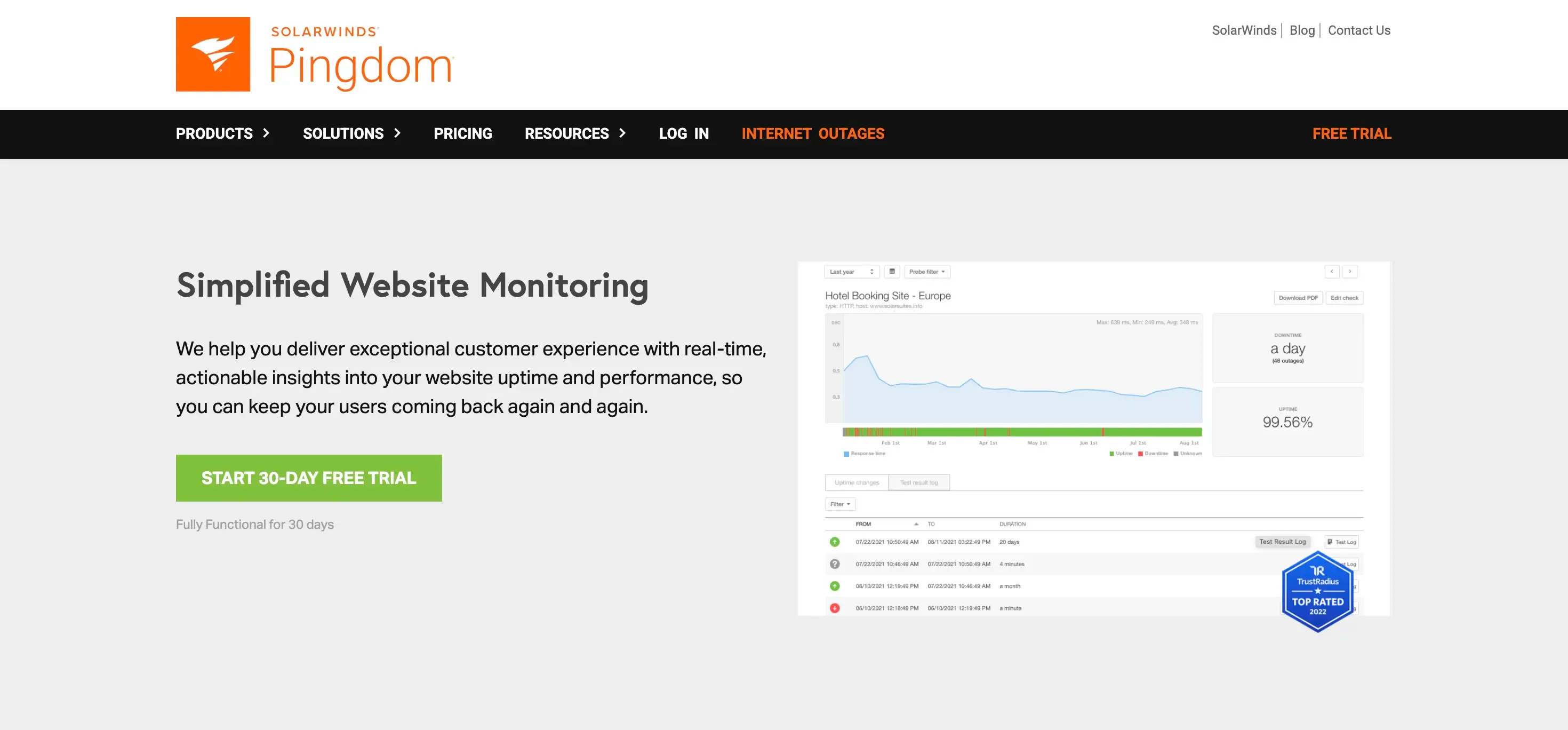
Pingdom is a mature, capable website-performance suite, with uptime, page speed, transaction checks, and real user monitoring on higher tiers. People look elsewhere for some reasons

Khul Anwar
Growth
10 Best Pingdom Alternatives for 2026
Disclosure: Kapient, one of the ten tools below, is our own product. We have worked to keep this comparison fair. Where we make a claim about a competitor, we based it on that vendor's own documentation and public user reviews.
TL;DR: Pingdom is a mature, capable website-performance suite, with uptime, page speed, transaction checks, and real user monitoring on higher tiers. People look elsewhere for three reasons: it retired its free plan and now starts around $18 a month for 10 monitors, its per-check pricing climbs fast at scale, and it is closed-source with no public status page on the base plan. Kapient, is a different kind of tool: it checks whether the site actually works, not just whether it is fast and online, and tells you how to fix what breaks. Pick based on the failure that actually costs you money.
How we compared these tools
This comparison is built from each vendor's official documentation and pricing pages, cross-checked against verified user reviews on G2 and Capterra, and confirmed against each tool's own site at the time of writing. Free tiers, pricing, and features change often, so treat every figure here as a starting point and confirm the current details on the vendor's site before you commit.
Pingdom alternatives at a glance
| Tool | Best for | Free plan | Fastest checks | Beyond uptime and speed? | Plain-English fixes |
|---|---|---|---|---|---|
| UptimeRobot | Simple, low-cost uptime monitoring | Yes, 50 monitors (non-commercial) | 1 min (paid) | No | No |
| Uptrends | Closest Pingdom feature parity | Trial only | 1 min | Partial, synthetic and transactions | No |
| StatusCake | Budget-conscious small businesses | Yes | 30 sec (paid) | Limited, speed, SSL, domain | No |
| Kapient | Business owners and agencies | See site | Scheduled scans | Yes, 74+ factors | Yes |
| Uptime.com | Larger businesses needing SLAs | Trial only | 1 min | Partial, transactions and SLA | No |
| Checkly | Developers wanting monitoring-as-code | Yes, hobby tier | Configurable | Partial, browser and API | No |
| DebugBear | Page speed and Core Web Vitals depth | Trial only | Scheduled | No, performance focus | No |
| Better Stack | DevOps teams needing incident response | Yes, 10 monitors | 30 sec | No, infra and incidents | No |
| Uptime Kuma | Self-hosters who want full control | Free, self-hosted | ~20 sec | No | No |
| Site24x7 | Full-stack IT monitoring | Limited | 1 min | Partial, full-stack APM | No |
Most of the tools here answer the same question Pingdom does: is the site fast and online? One does not. Kapient, further down, checks whether the site actually works, catching broken forms, failed redirects, and a stale Google listing that every performance dashboard reports as healthy. If that is the gap you are trying to close, skip ahead to Kapient. Otherwise, read on for the best like-for-like monitors first.
Why people look for Pingdom alternatives
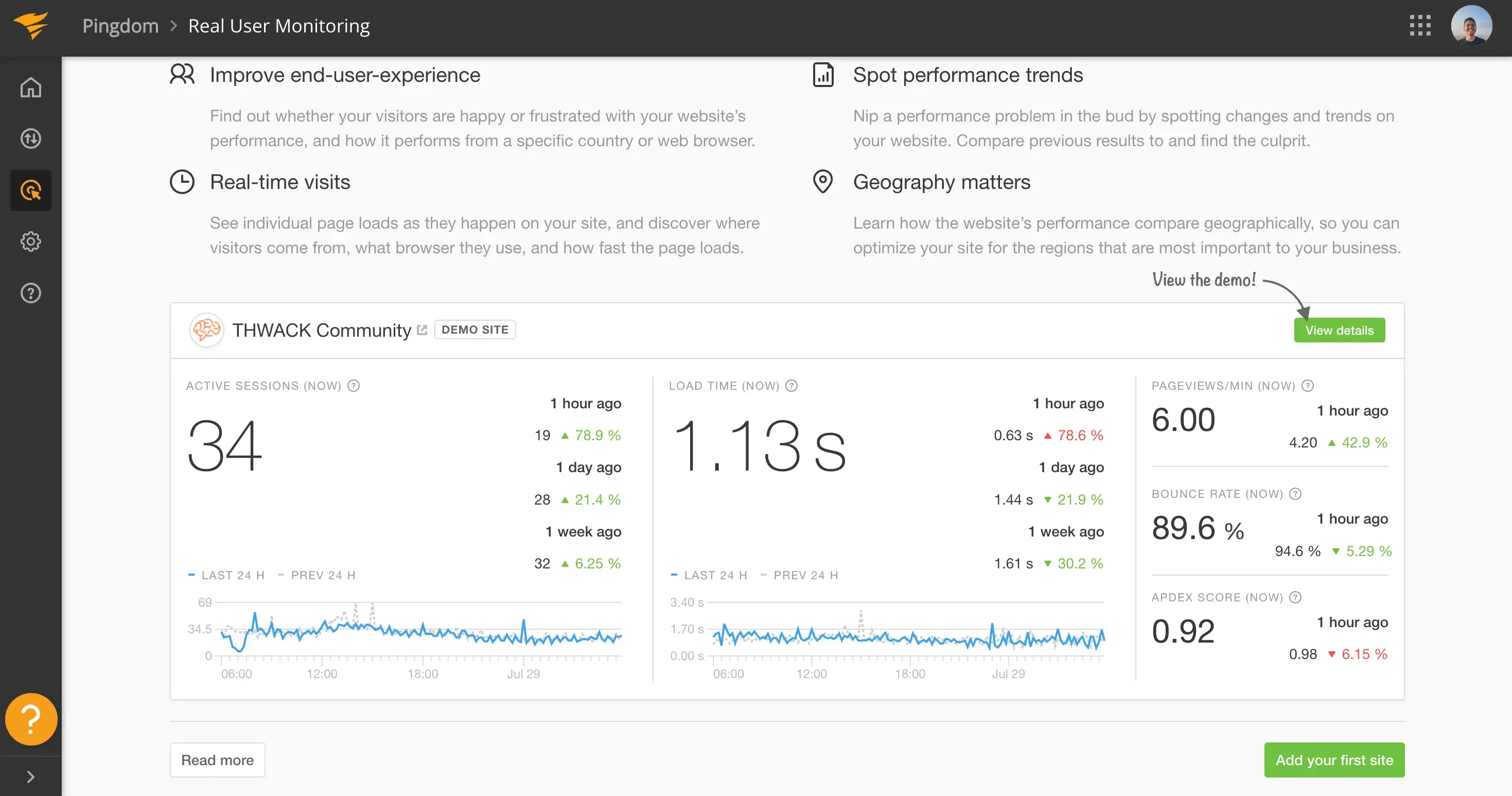
Pingdom has been a fixture in website monitoring since 2007, and it earned that place. It does the fundamentals well: uptime tracking, page speed testing, transaction monitoring, and real user monitoring on its higher tiers. For a team that wants a mature, familiar performance suite, it is still a capable tool.
The reasons teams move on are consistent. The first is the free plan: Pingdom retired it, so there is no longer a no-cost way to start, and the cheapest plan begins around $18 a month for a small number of monitors. The second is pricing at scale: the per-check model adds up quickly, and monitoring a few dozen endpoints at short intervals can run into serious monthly cost. The third is momentum: after the SolarWinds acquisition, many users feel development slowed, and the base product is closed-source with no public status page included.
None of that makes Pingdom a bad product. It means that depending on what you actually need, cheaper pricing, more flexibility, or monitoring that reaches past performance, there is very likely a better fit. Which brings us to the point most monitoring comparisons skip.
The gap: "fast and online" is not the same as "working"
Pingdom answers two questions well: is the site up, and is it fast? Those matter. But a page can respond in under a second, pass every performance check, and still be quietly failing the people who visit it.
Almost none of the failures that lose a small business its customers show up as slow load times or downtime. They are silent, functional failures that happen while the site is fast and fully online:
- A contact or booking form that submits fine in the browser but never delivers the email, so enquiries just vanish.
- An SSL certificate or a redirect that breaks, so some visitors hit a security warning while your homepage still loads quickly for you.
- A drop in Core Web Vitals on one template that a homepage-only performance check never samples, quietly pushing mobile visitors away. Google's own research is blunt about this: as page load time rises, the probability that a visitor bounces climbs sharply (Think with Google).
- A wrong phone number or address on your Google Business listing, or a run of new one-star reviews you have not seen yet.
- An accessibility problem that locks out visitors using a keyboard or screen reader, which is both a customer issue and a legal-risk issue under WCAG.
A performance monitor is blind to most of these. The page loaded, and it loaded fast, so as far as it is concerned, all is well.
The shelf-life problem
Here is the trap. When you first launch, you test everything by hand. You submit the form, you click through the pages, you confirm the padlock is green. It all works. So you set up performance monitoring, watch the green dashboards, and stop looking at anything else.
That manual check had a shelf life. It was true the day you did it. Then a plugin updated, a theme changed, a certificate renewed, an email setting expired, or a new page shipped, and the form quietly broke three weeks later. Your performance dashboard never flinched, because the page still loads fast. The check that reassured you now describes a version of the site that no longer exists.
That is the real reason to look past a performance-only tool. Speed and availability are necessary, but they are not the whole job.
What to look for in an alternative
Before the list, one filter. Match the tool to the failure you are actually worried about:
- Is the pricing predictable? Pingdom's per-check model is exactly what many people are trying to escape, so check how cost scales as you add monitors.
- What does it check beyond uptime and speed? Forms, SSL and redirects, SEO, and your Google listing are all things a performance monitor ignores.
- Does it tell you how to fix the problem, or just that one exists? A chart that shows a score dropped is only half the job if you are not a developer.
- Who is it built for? Some tools assume an on-call engineer reads the alert. Others assume you are the owner who has to fix it between customers.
- Does it re-check on a schedule? A one-time audit has the same shelf-life problem as your original manual check.
The monitoring alternatives
These nine cover the ground Pingdom covers, uptime and performance, and each leans in a different direction. They are grouped by who they suit, not ranked best to worst.
1. UptimeRobot
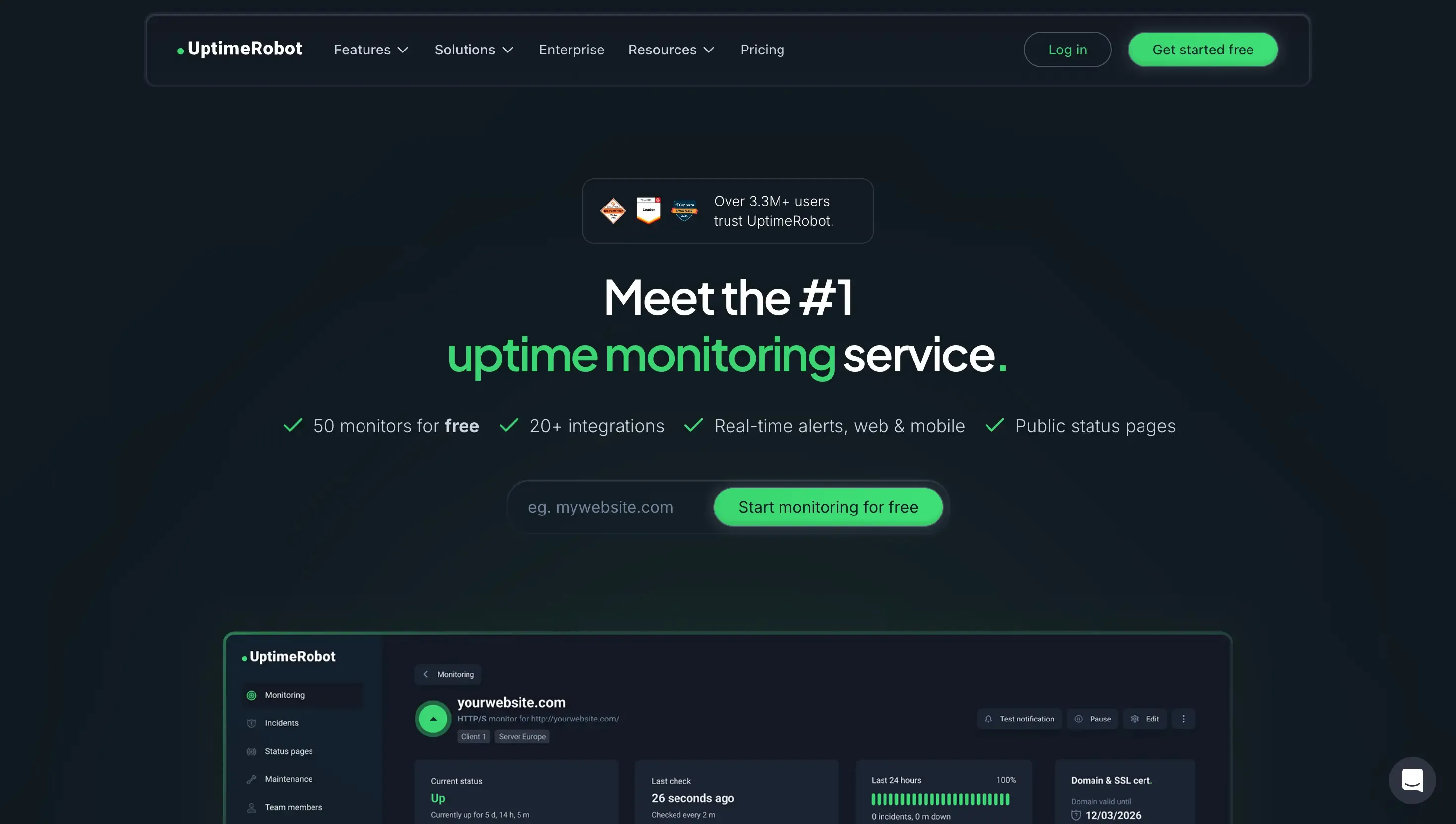
The simplest, cheapest swap if what you valued in Pingdom was mainly the uptime checks. UptimeRobot does availability monitoring well and keeps pricing low, though its free plan is now personal-use only. If you are weighing this route, we compared it in depth in our UptimeRobot alternatives guide.
Pros:
- Very low cost, with paid plans among the cheapest available
- Simple to set up, with no technical configuration
- Reliable uptime, keyword, ping, and port checks
- Large, familiar user base
Cons:
- Free plan is restricted to personal, non-commercial use since October 2024
- Focused on uptime, with far less performance depth than Pingdom
- No real user monitoring
- Basic diagnostics, no fix guidance
Best for: owners who mostly want reliable up-or-down monitoring at a low price.
2. Kapient
Kapient checks uptime and performance, like Pingdom does, but that is a slice of what it does. It scans your site at regular intervals across more than 74 technical and quality factors, including source code, server performance, SEO, page speed, SSL and HTTPS configuration, contact forms, and even your Google Business listing and reviews. It works across WordPress, Wix, Squarespace, Shopify, Webflow, and more, so it is not tied to one platform.
Two things set it apart for a non-technical owner:
- It catches the silent failures a performance monitor cannot see. The broken contact form, the expired redirect, the stale Google listing: the issues that never show up as a slow page or an outage.
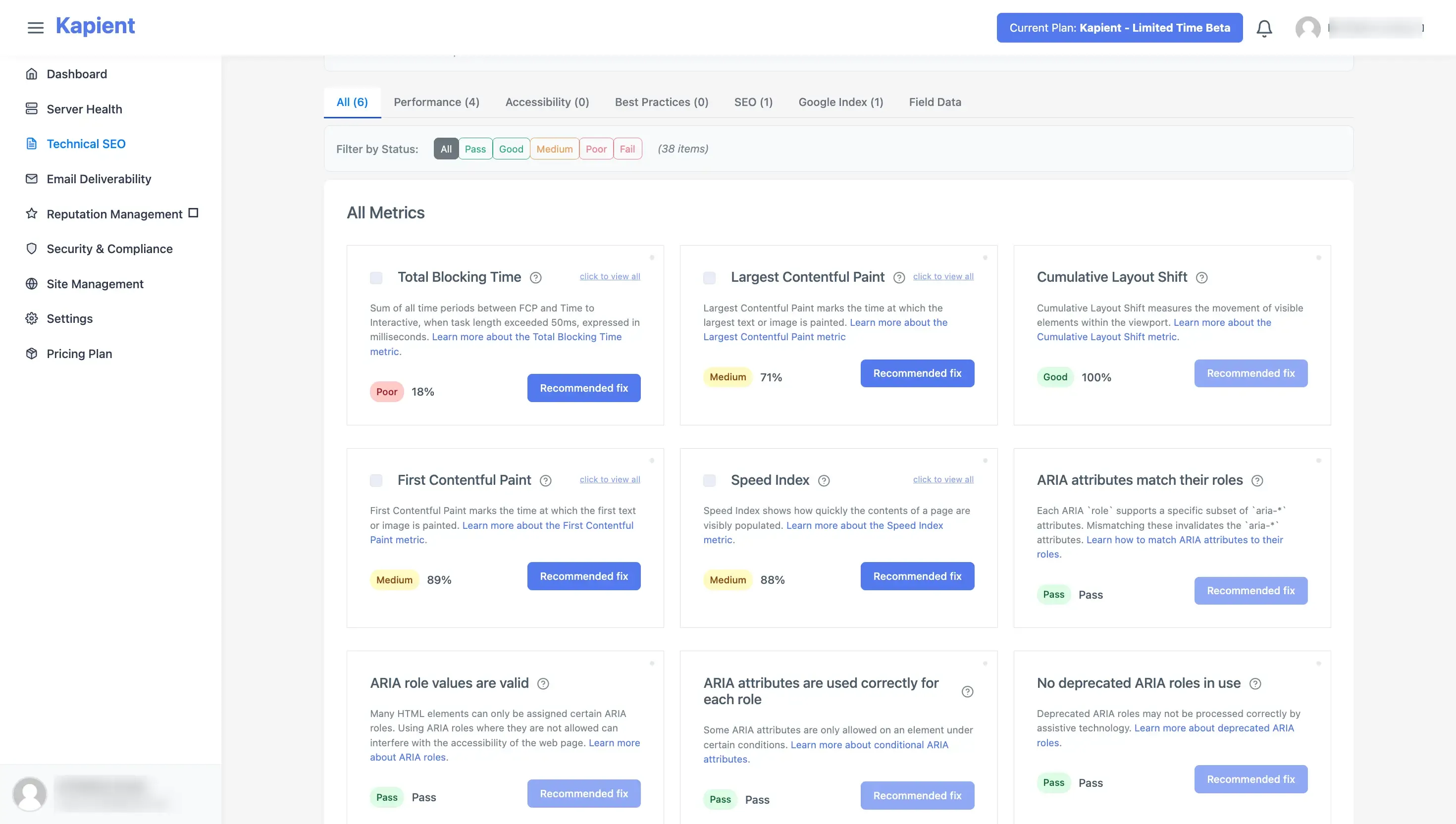
- It tells you how to fix each one in plain English. Kapient emails you an alert when something needs attention. The fix itself lives in your dashboard: you click "Recommended fix" on the flagged issue and get step-by-step guidance written for a business owner, not a developer.
Pros:
- Monitors 74+ factors across the whole site, not just uptime and speed
- Catches silent, revenue-losing failures like broken forms and expired redirects
- Plain-English fix guidance in the dashboard, aimed at non-technical owners
- Works across WordPress, Wix, Squarespace, Shopify, Webflow, and more
- Also watches your Google Business listing and reviews
Cons:
- Not a deep synthetic or transaction tool for engineering teams like Uptrends or Checkly
- No on-call incident paging like Better Stack
To be clear about where it sits: Kapient is not trying to out-measure Pingdom on raw performance for a technical team. It is the alternative for the person whose real worry is lost enquiries and a broken-looking site, not millisecond load times.
Best for: business owners, freelancers, and agencies who need to know the site is actually working, not just fast and online, and want a fix they can act on themselves.
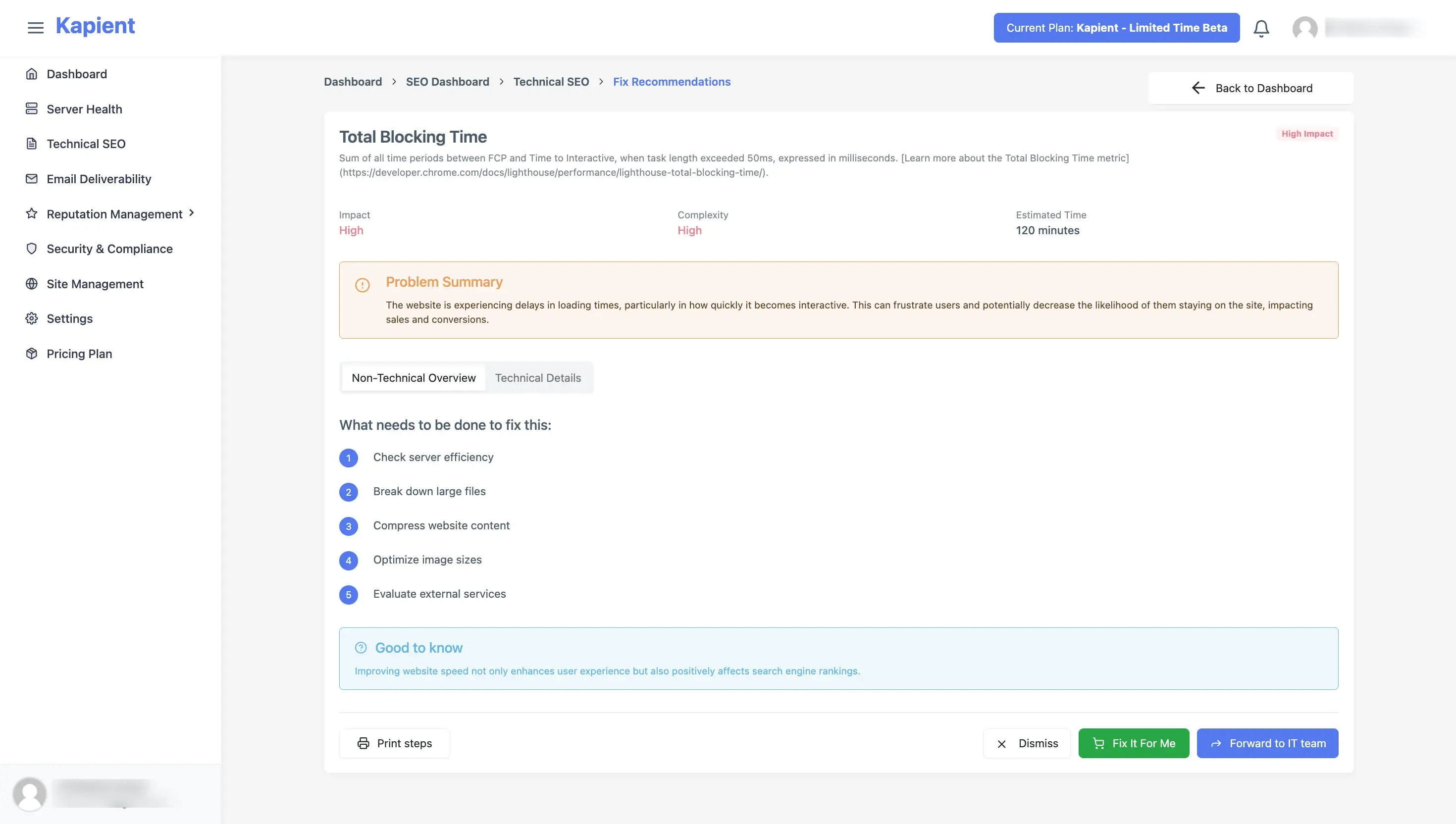
Kapient groups issues by category and puts the plain-English fix one click away.
3. StatusCake
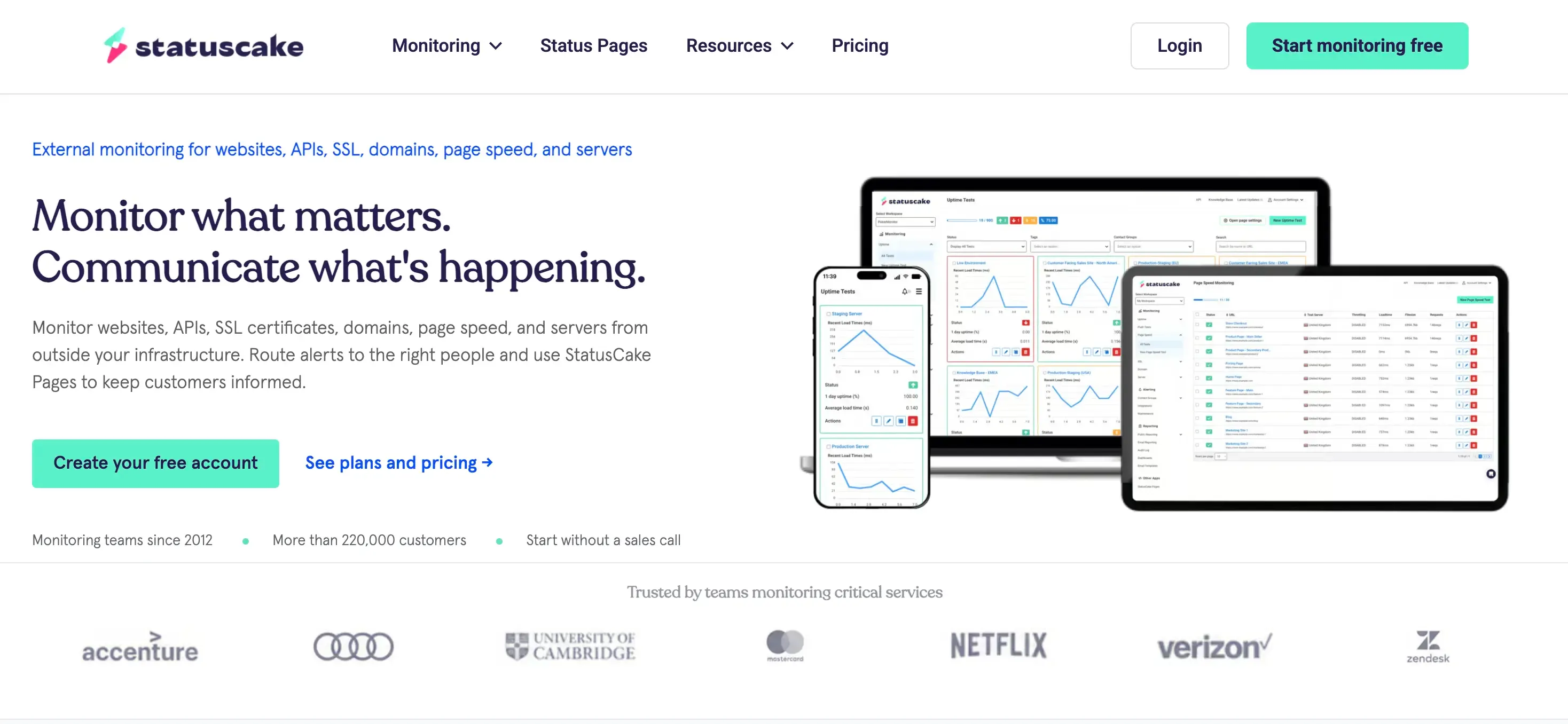
The most SMB-friendly of the broad monitors. It offers a generous free tier, uptime from many locations, page speed monitoring, SSL and domain expiry alerts, and public status pages. It covers more ground than a pure uptime tool without Pingdom's pricing.
Pros:
- Generous free tier
- Uptime, page speed, SSL, and domain expiry in one place
- Public status pages included
- Simple enough for non-technical owners
Cons:
- The most useful features sit behind paid tiers
- Less transaction and RUM depth than Pingdom or Uptrends
- Still centered on uptime, speed, and SSL rather than full site health
- Will not catch broken forms or listing errors
Best for: small businesses that want broad, affordable monitoring without per-check pricing.
4. Uptrends
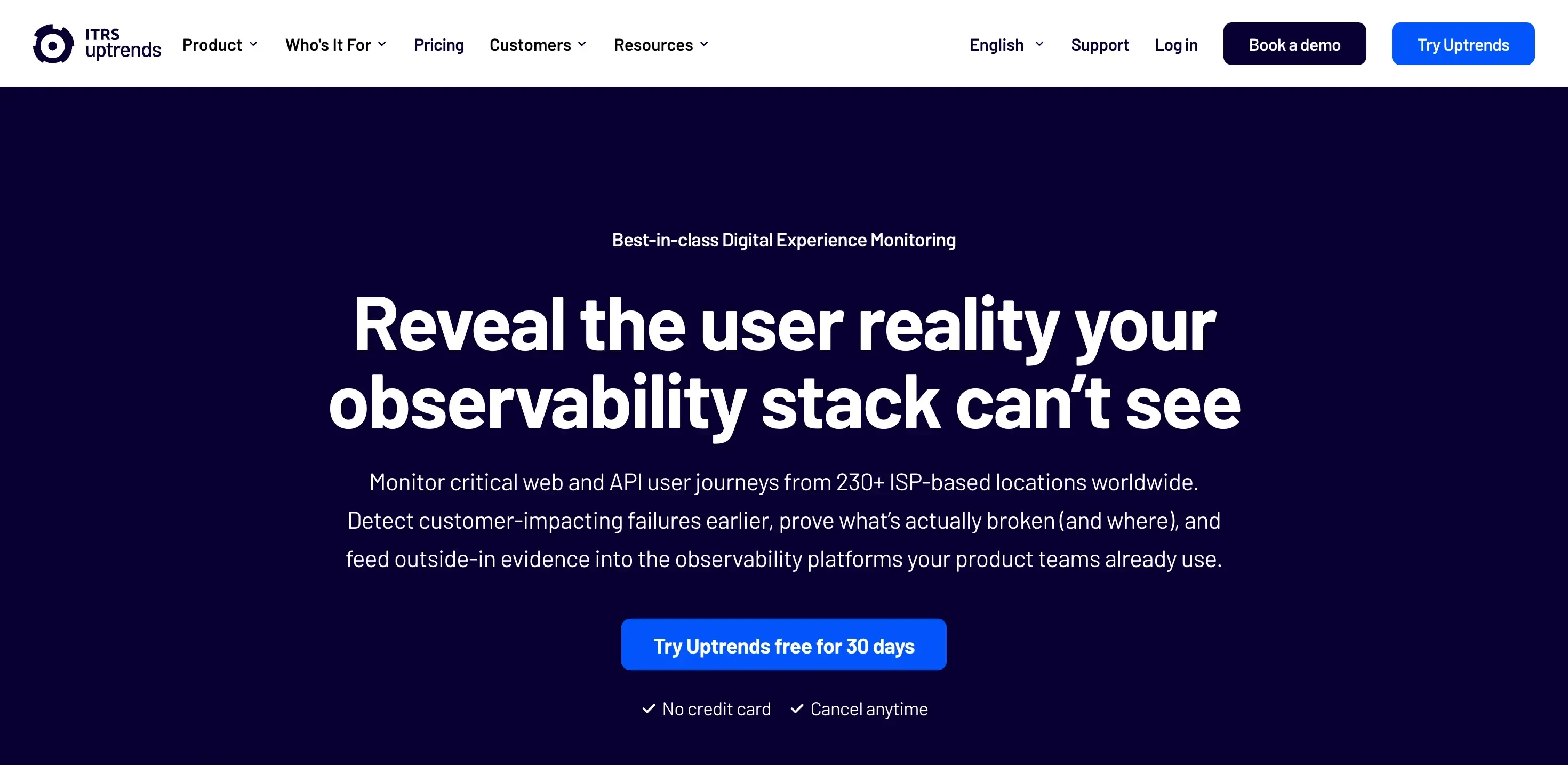
The closest thing to Pingdom in feature parity. Uptrends simulates real user behavior across full workflows, logins, searches, carts, and checkout, with deep transaction and synthetic monitoring. If you are leaving Pingdom but not the category, this is the most like-for-like option.
Pros:
- Deep transaction and synthetic monitoring
- Simulates complete user journeys, not just page loads
- Strong browser testing and reporting depth
- Large global checkpoint network
Cons:
- More configuration and maintenance than lighter tools
- Cost can rival or exceed Pingdom
- Overkill if you only need uptime
- Still centered on availability and performance, not site content
Best for: teams that want Pingdom-level synthetic and transaction depth from a different vendor.
5. Uptime
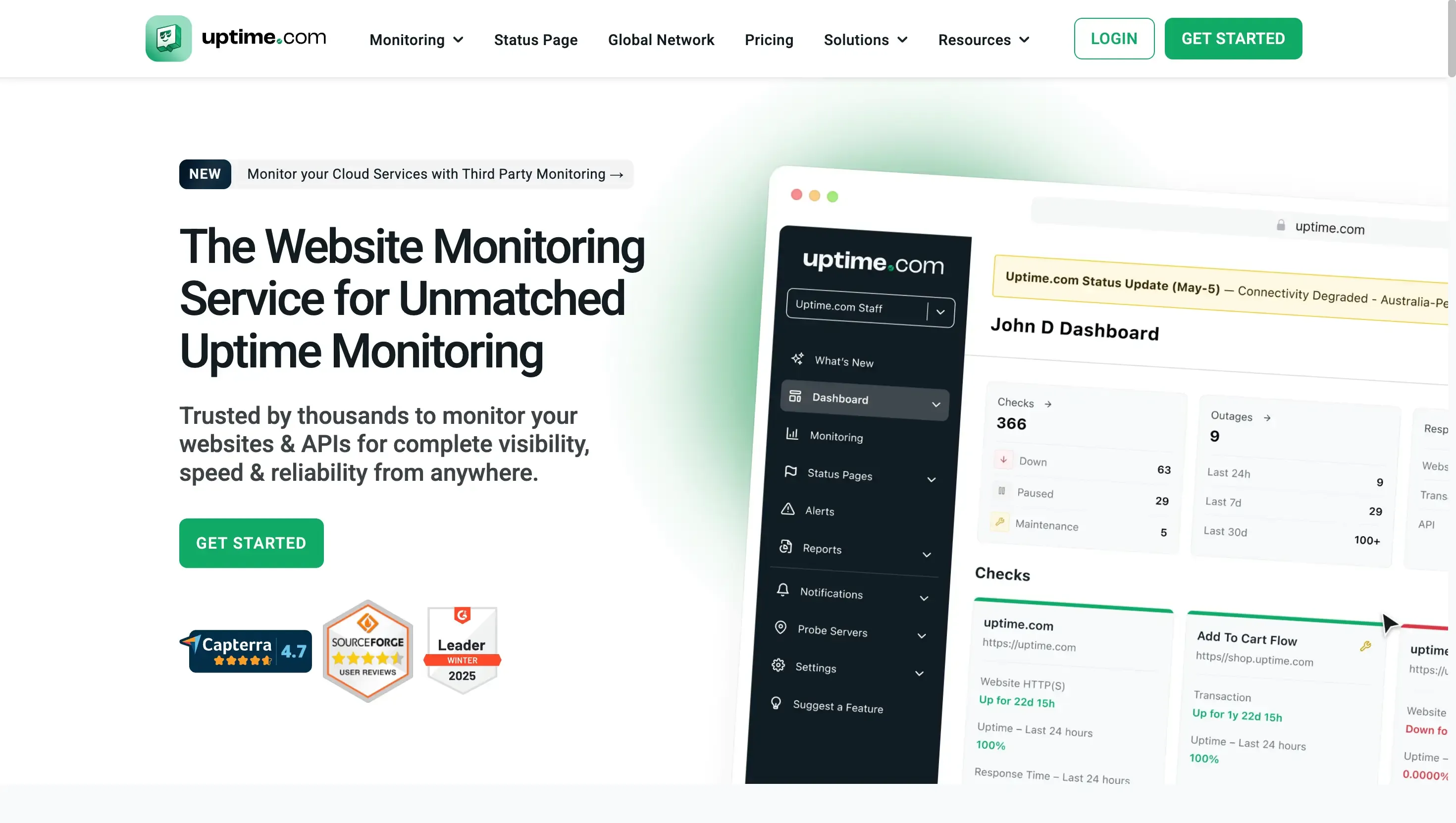
A business-oriented monitoring platform with uptime, transaction checks, API monitoring, status pages, and strong reporting. It leans toward organizations with larger monitoring needs and formal SLA requirements.
Pros:
- Multiple monitoring types in one platform
- Solid transaction and API monitoring
- SLA tracking and detailed reporting
- Reliable global checks
Cons:
- No lasting free tier, only a trial
- Priced for businesses, not hobby projects
- More than solo owners usually need
- Availability and performance focus, not functional site health
Best for: larger teams that need multiple monitoring types with SLA verification.
6. Checkly
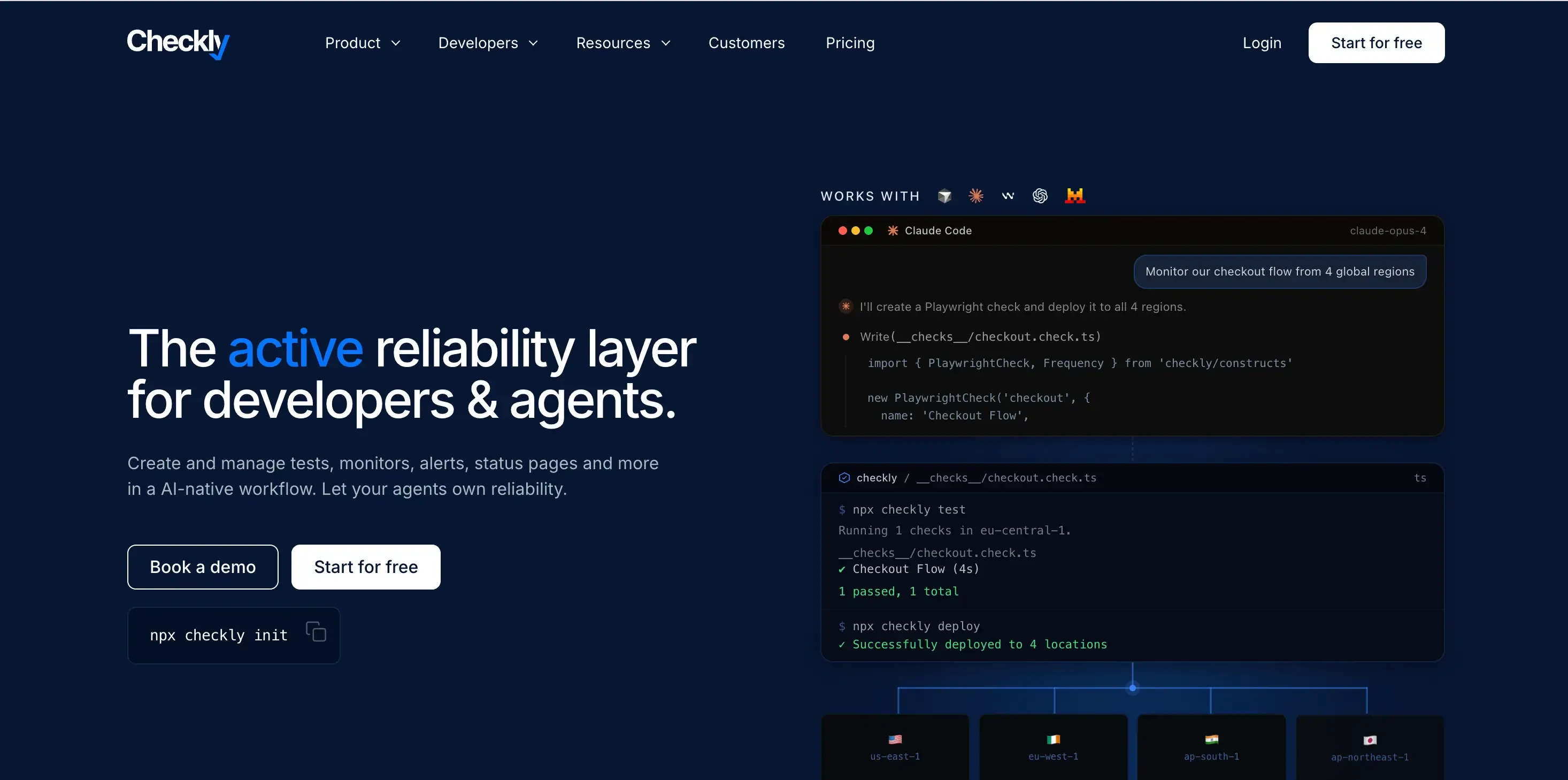
The developer's choice for testing real user flows. Checkly is code-first: you write checks as code, run Playwright browser tests, and monitor APIs, so it can confirm that login or checkout actually works. Powerful, but it assumes you write code.
Pros:
- Browser checks confirm real user flows, not just page loads
- Monitoring-as-code fits modern engineering workflows
- Strong API monitoring
- Good for catching functional breakage in critical flows
Cons:
- Requires writing and maintaining code
- Out of reach for non-technical owners
- Priced and built for engineering teams
- Not aimed at SEO, content, or listing health
Best for: engineering teams that want synthetic, code-defined monitoring of key flows.
7. DebugBear
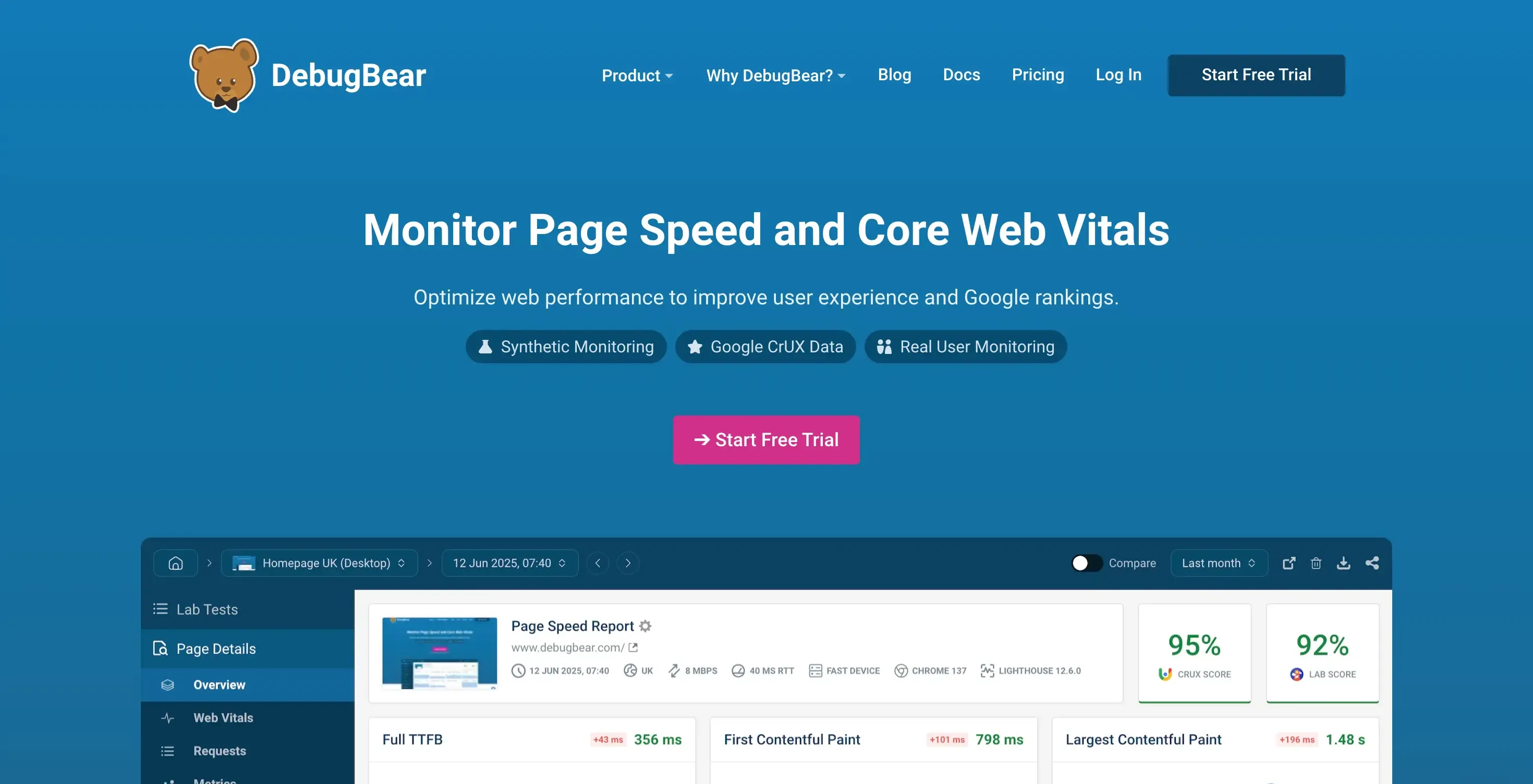
The specialist if performance was the reason you used Pingdom. DebugBear focuses on page speed and Core Web Vitals, with detailed lab and real user data and clear breakdowns of what is slowing pages down. It goes deeper on performance than Pingdom, but it stays in that lane.
Pros:
- Deep page speed and Core Web Vitals monitoring
- Detailed, actionable performance breakdowns
- Both lab and real user data
- Tracks performance over time and across pages
Cons:
- Performance only, so no forms, SSL, or listing checks
- Recommendations are technical rather than plain-English
- No free tier, only a trial
- Not a general availability monitor
Best for: teams whose main goal is diagnosing and improving page speed.
8. Better Stack
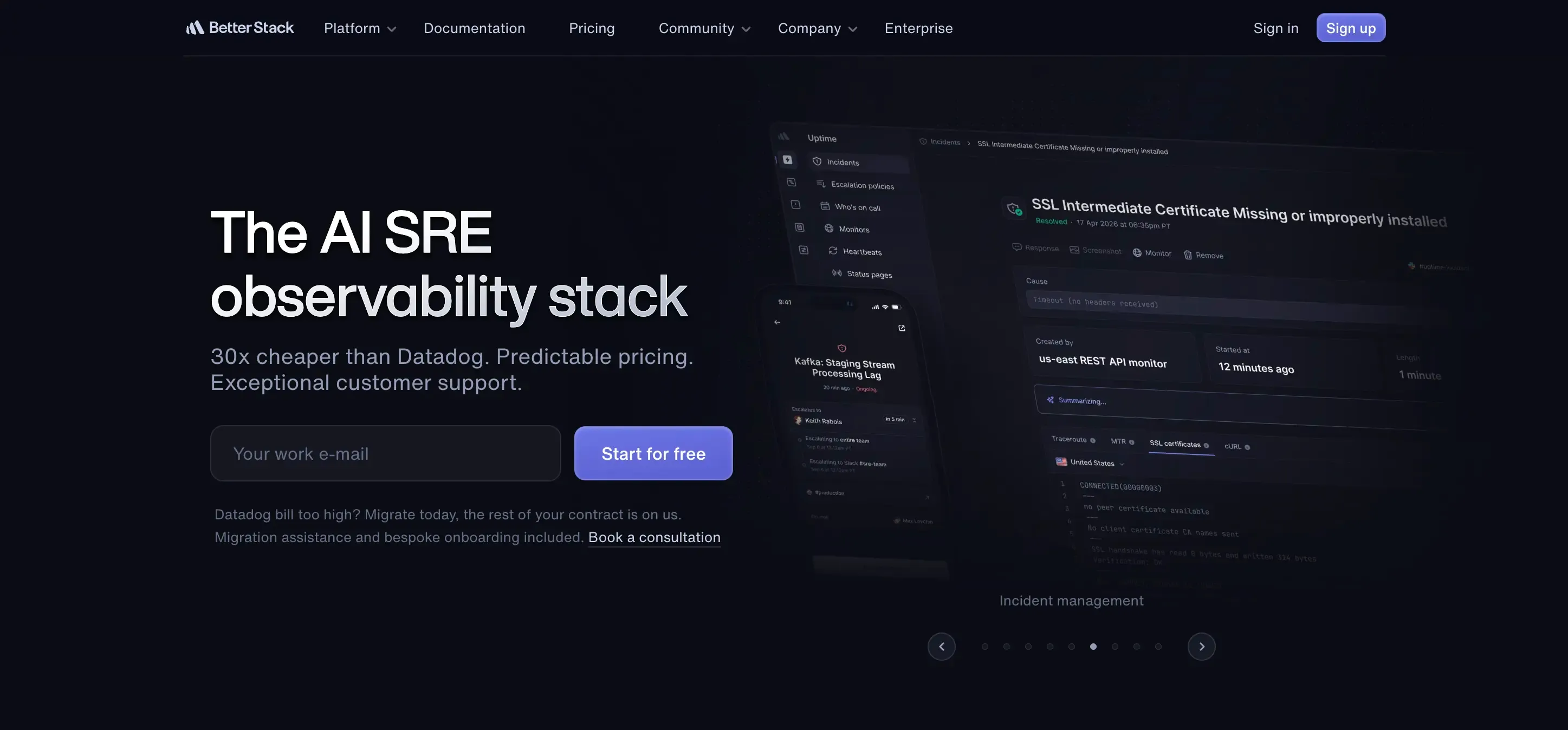
The pick if you want monitoring with incident response built in. Better Stack pairs uptime with incident management, on-call scheduling, and status pages, with fast checks and escalation across channels. It assumes someone technical acts on the alert.
Pros:
- Uptime, incident management, on-call, and status pages in one product
- Very fast checks, as frequent as every 30 seconds
- Strong multi-channel alerting and escalation
- Free tier with 10 monitors
Cons:
- Built for technical teams, so it is overkill for a simple site
- Pricing climbs with usage and seats
- Assumes an engineer acts on the alert
- Infrastructure focus, not forms, SEO, or listing issues
Best for: DevOps teams that need incident response, not just detection.
9. Uptime Kuma
The open-source, self-hosted option, and the answer to Pingdom being closed-source. You run it yourself with Docker, get effectively unlimited monitors, and pay nothing beyond hosting. The catch is that you are the sysadmin.
Pros:
- Free and open-source
- Effectively unlimited monitors
- No recurring cost beyond your own hosting
- Actively maintained with many integrations
Cons:
- You host, patch, and maintain it yourself
- Support is community only
- Requires comfort with Docker and the command line
- Checks response and uptime only, not wider site health
Best for: developers who want full control and zero recurring cost.
10. Site24x7
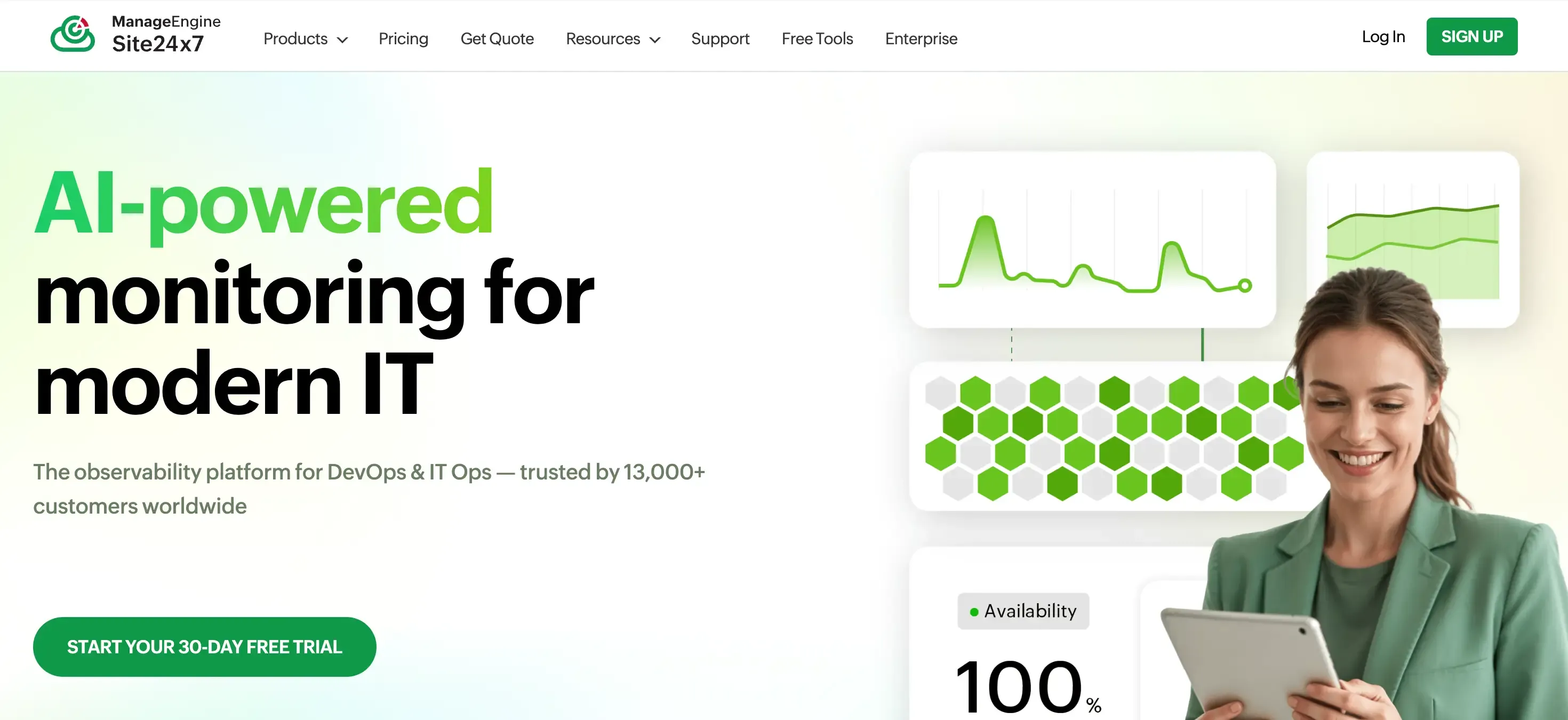
The full-stack heavyweight. Site24x7 goes well past website checks into server, application, network, and cloud monitoring, with real user monitoring included, so it suits IT teams that want one tool watching everything. That breadth is its strength and its weakness.
Pros:
- Very broad coverage across website, server, application, and network
- Includes real user monitoring
- Competitive pricing for the depth
- Scales to complex environments
Cons:
- Far more than a typical small business needs
- Complex to set up and learn
- Aimed at IT and DevOps, not non-technical owners
- Infrastructure focus, not site content, SEO, or forms
Best for: IT teams that want full-stack monitoring, including RUM, in one platform.
A different kind of alternative: full site-health monitoring
Every tool above answers some version of "is the site up and fast?" That is worth monitoring. But if you read the silent-failure list earlier and recognized your own site, a faster or cheaper performance monitor will not catch any of those. They need a tool that watches whether the site is actually working, and tells you how to fix it when it is not.
How to switch from Pingdom
Moving is straightforward, and you do not have to do it in one jump:
- List what you monitor now. Note your checks, intervals, transaction scripts, and alert contacts from your Pingdom dashboard.
- Set up the new tool alongside it. Create the account and re-add your monitors. Most tools need only a URL to start.
- Run both in parallel for a day or two. Keep Pingdom active while the new tool builds a baseline, and compare the alerts so you trust the new setup.
- Then cancel Pingdom. Once you are confident, downgrade or close the account so you stop paying for both.
If you are moving because you want more than performance, this is also the moment to add the checks Pingdom never gave you, such as form delivery, SSL, and listing accuracy.
How to choose
Strip it down to one question: when your site fails, who is going to see the alert, and what will they do with it?
If the answer is an engineer, your choice is mostly about depth and price. Uptrends and Uptime.com match Pingdom's synthetic and transaction depth, Site24x7 and Better Stack add full-stack coverage and incident response, DebugBear goes deeper on page speed, Checkly suits code-first teams, and Uptime Kuma is the free self-hosted route. UptimeRobot and StatusCake are the simple, affordable ends of the same uptime job.
If the answer is you, the owner, or the freelancer running a client's site, and the failures you lose sleep over are broken forms, dropped enquiries, SSL warnings, a wrong Google listing, and slow templates you never sampled, then a performance suite is the wrong shape. You want something that watches the whole site's health and hands you the fix. That is the gap Kapient is built for.
Paying Pingdom prices and still getting blindsided by a broken form? Kapient watches the 74+ things a performance monitor cannot see, from broken forms to SSL to your Google listing, and shows you the plain-English fix for each one. Start monitoring your site's real health in a few minutes.
Frequently asked questions
Is there a free Pingdom alternative? Yes. Uptime Kuma is free and open-source if you self-host it, and tools like StatusCake, Better Stack, and UptimeRobot offer free tiers. Just be clear on what "free" is checking: most free plans confirm the site responds, and some add page speed, but they do not tell you whether your forms or checkout actually work.
Why did Pingdom get more expensive? After the SolarWinds acquisition, many users feel the pricing and roadmap shifted toward larger customers, which is a common reason smaller teams start comparing alternatives.
Does Pingdom still have a free trial? Pingdom offers a trial rather than a permanent free tier, and its cheapest paid plan starts around $18 a month for a small number of monitors. If a lasting free plan matters to you, an alternative with a real free tier is usually the better route. Confirm the current terms on Pingdom's own site, since they change.
What is the best cheap alternative to Pingdom? For simple uptime at a low price, UptimeRobot and StatusCake are common picks. For unlimited monitors with no subscription, self-hosted Uptime Kuma is the cheapest of all if you can run it. For an owner who wants broader site-health coverage rather than just uptime, Kapient covers more of the site in one tool.
Can a monitor tell me if my checkout or contact form is broken? A standard uptime or performance monitor cannot, because it only checks that the page responds and how fast it loads. Catching a broken form or checkout needs either a synthetic tool with scripted browser checks, like Checkly or Uptrends, or a site-health tool that specifically tests form behavior, like Kapient.
Is uptime and performance monitoring enough for a small business website? For a static site with no forms, bookings, or checkout, it can be. For any site where visitors take an action, uptime and speed alone leave you exposed to silent revenue leaks: broken forms, SSL warnings, and a stale Google listing that all look fine on a performance dashboard while quietly turning customers away. In those cases, full-site health monitoring is the better fit.
Written by
Khul Anwar
Growth
Khulanwar leads content and growth at Kapient, where the team helps small businesses and agencies keep their websites healthy, fast, and compliant. He writes about website monitoring, technical SEO, and the maintenance work that quietly keeps sites from breaking after launch.
Related articles
10 Best UptimeRobot Alternatives for 2026
September 10, 2026

10 Common WCAG Failures and How to Fix Them
September 22, 2026

Website Accessibility for Agencies: Turning Compliance Into a Service
September 16, 2026

How to Check if Your Website Meets WCAG Accessibility Standards
September 10, 2026