10 Best UptimeRobot Alternatives for 2026
This comparison is built from each vendor's official documentation and pricing pages, cross-checked against verified user reviews on G2 and Capterra, and confirmed against each tool's own site at the time of writing. Free-tier limits and features change often, so treat every figure here as a starting point and confirm the current details on the vendor's site before you commit.

Khul Anwar
Growth
10 Best UptimeRobot Alternatives for 2026
Disclosure: Kapient, one of the ten tools below, is our own product. We have worked to keep this comparison fair, including the places where other tools beat us. Where we make a claim about a competitor, we based it on that vendor's own documentation and public user reviews.
TL;DR: UptimeRobot is a cheap, reliable up-or-down ping, and its free tier is still the most generous in the category at 50 monitors. But two things push people to look elsewhere: since October 2024 the free plan is for personal, non-commercial use only, so businesses cannot use it within the terms, and more fundamentally, "the server responded" is not the same as "the site works." Most of the ten tools below are stronger or cheaper uptime monitors. One, Kapient, is a different kind of tool: full site-health monitoring that catches the silent failures a ping cannot see. Pick based on which kind of failure actually costs you money.
How we compared these tools
This comparison is built from each vendor's official documentation and pricing pages, cross-checked against verified user reviews on G2 and Capterra, and confirmed against each tool's own site at the time of writing. Free-tier limits and features change often, so treat every figure here as a starting point and confirm the current details on the vendor's site before you commit.
UptimeRobot alternatives at a glance
| Tool | Best for | Free plan | Fastest checks | Goes beyond uptime? | Plain-English fixes |
|---|---|---|---|---|---|
| Better Stack | DevOps teams needing incident response | Yes, 10 monitors | 30 sec | No, infra and incidents | No |
| Uptime Kuma | Self-hosters who want full control | Free, self-hosted | ~20 sec | No | No |
| Pingdom | Enterprise teams | No, trial only | 1 min | Partial, RUM and transactions | No |
| Site24x7 | Full-stack IT monitoring | Limited | 1 min | Partial, full-stack APM | No |
| StatusCake | Budget-conscious small businesses | Yes | 30 sec (paid) | Limited, speed and SSL | No |
| Hyperping | Small teams wanting flat pricing | Yes, 20 monitors | 30 sec | No | No |
| Cronitor | Teams running cron and scheduled jobs | Yes, 5 monitors | 1 min | Partial, cron jobs | No |
| HetrixTools | Very tight budgets | Yes, 15 monitors | 1 min | Limited, blacklist checks | No |
| Checkly | Developers wanting monitoring-as-code | Yes, hobby tier | Configurable | Partial, browser and API | No |
| Kapient | Business owners and agencies | Yes, 1 website, one-time scan | Scheduled scans | Yes, 74+ factors | Yes |
Why people look for UptimeRobot alternatives
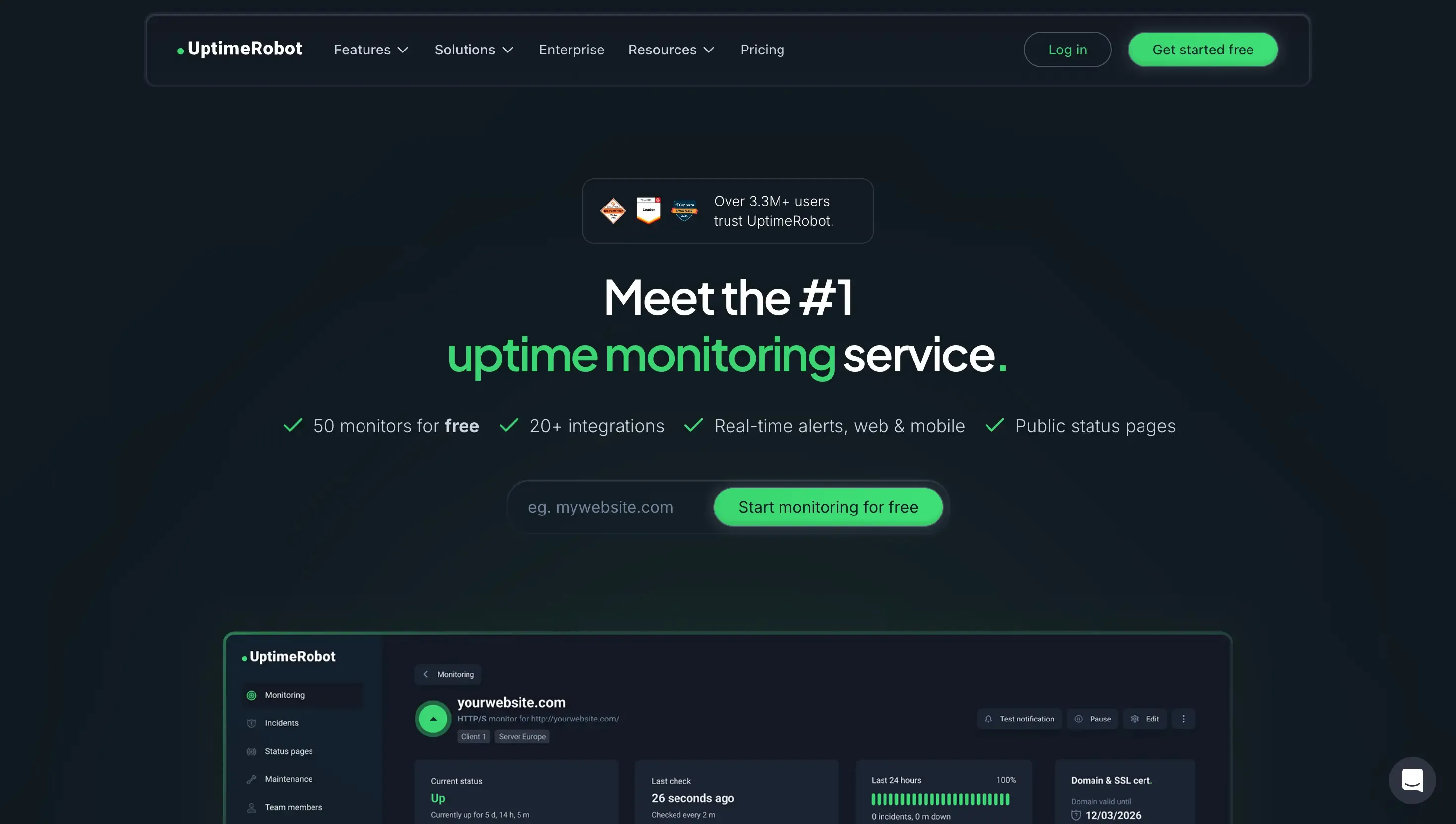
UptimeRobot earned its popularity fairly. You paste in a URL, choose a check interval, and get an email when the site stops responding. It has been doing that reliably since 2010, and for a hobby project or a simple personal site it still covers the basics.
Three reasons push people to look elsewhere. The first is a policy change: since October 2024, the free plan is restricted to personal, non-commercial use, so a business that relies on it is outside the terms of service. The second is the free plan's 5-minute check interval, which is slow enough that a short outage can come and go before you are told. The third, and the most important, is structural: an uptime monitor only confirms the server answered. It has no way of knowing whether the page that loaded is actually doing its job.
That third point is the one that quietly costs businesses money, so it is worth slowing down on before we get to the list.
The gap: "up" is not the same as "working"
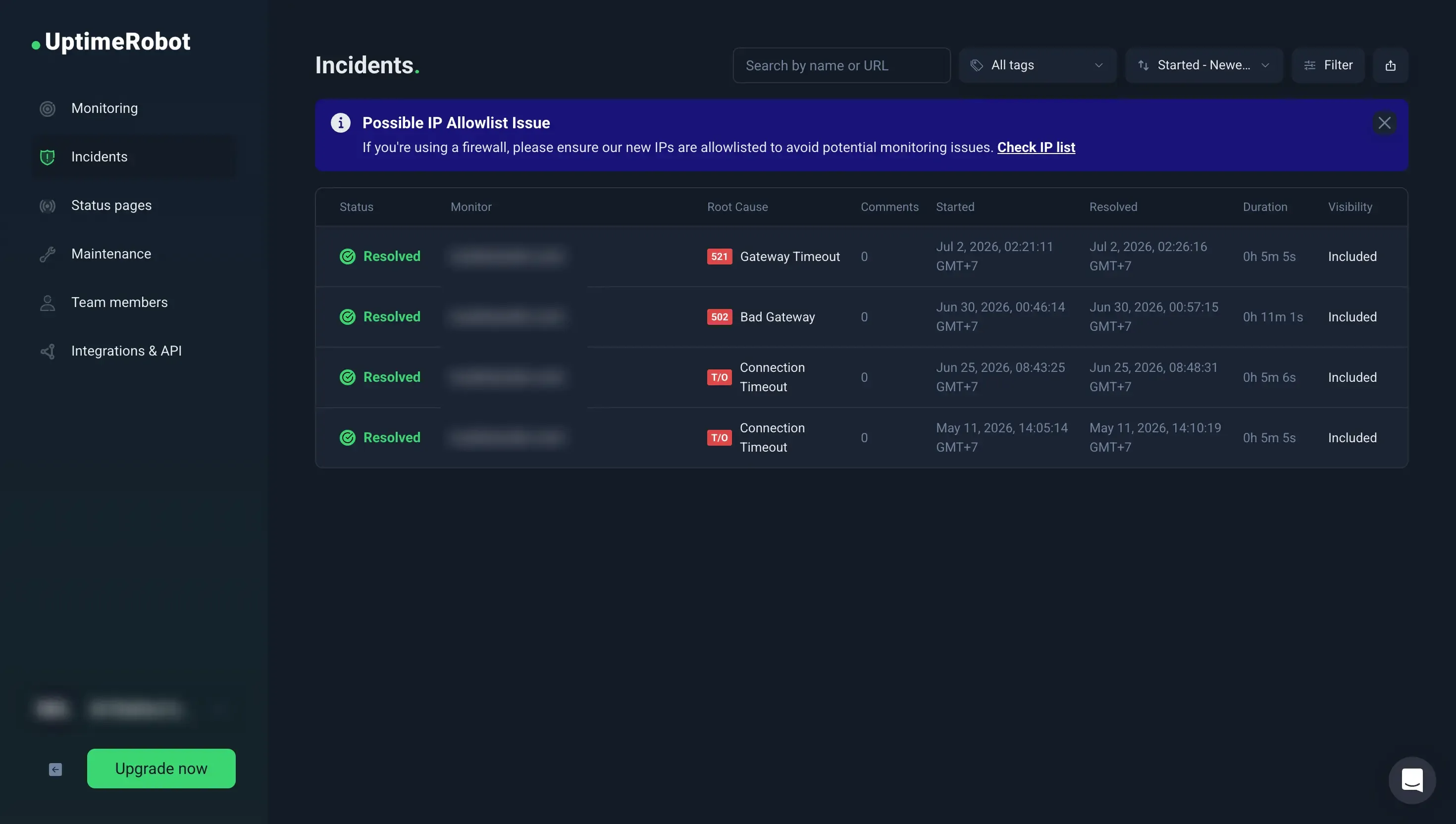
An uptime check sends a request to your page and waits for a response code. If it gets a 200, the site is "up." That genuinely helps you catch hard outages: a crashed server, an expired domain, a hosting failure.
But almost none of the failures that lose a small business its customers are hard outages. They are silent, partial failures that happen while the site is fully online:
- A contact or booking form that submits fine in the browser but never delivers the email, so enquiries just vanish.
- An SSL certificate or a redirect that breaks, so some visitors hit a security warning while your homepage still loads perfectly for you.
- A page that technically loads but has become slow enough that a chunk of mobile visitors leave before it renders. Google's own research is blunt about this: as page load time rises, the probability that a visitor bounces climbs sharply (Think with Google).
- A wrong phone number or address on your Google Business listing, or a run of new one-star reviews you have not seen yet.
- An accessibility problem that locks out visitors using a keyboard or screen reader, which is both a customer issue and a legal-risk issue under WCAG.
An uptime monitor is blind to every one of these. The server responded, so as far as it is concerned, all is well.
The shelf-life problem
Here is the trap. When you first launch, you test everything by hand. You submit the form, you click through the pages, you confirm the padlock is green. It all works. So you set up a monitor, see "100% uptime," and stop looking.
That manual check had a shelf life. It was true the day you did it. Then a plugin updated, a theme changed, a certificate renewed, an email setting expired, or a new page shipped, and the form quietly broke three weeks later. Your uptime monitor never flinched, because the homepage still returns a 200. The check that reassured you now describes a version of the site that no longer exists.
That is the real reason to look past a pure uptime tool. You do not just need to know the server is on. You need something re-checking the things that actually break, on the schedule that they break.
What to look for in an alternative
Before the list, one filter. Match the tool to the failure you are actually worried about:
- What does it check beyond a ping? Forms, SSL and redirects, performance, SEO, and your Google listing are all things a plain URL check ignores.
- Does it tell you how to fix the problem, or just that one exists? An alert that says "score dropped" is only half the job if you are not a developer.
- Who is it built for? Some tools assume you have an on-call engineer receiving the alert. Others assume you are the owner who has to fix it between customers.
- Does it re-check on a schedule? A one-time audit has the same shelf-life problem as your original manual check.
- Does the free or entry plan allow commercial use? This is the exact restriction that now applies to UptimeRobot's free tier, so it is worth checking on any tool you consider.
The uptime monitoring alternatives
These nine do the same core job as UptimeRobot, checking whether your site responds, and each does it better in a particular way. They are grouped by who they suit, not ranked best to worst.
1. Better Stack
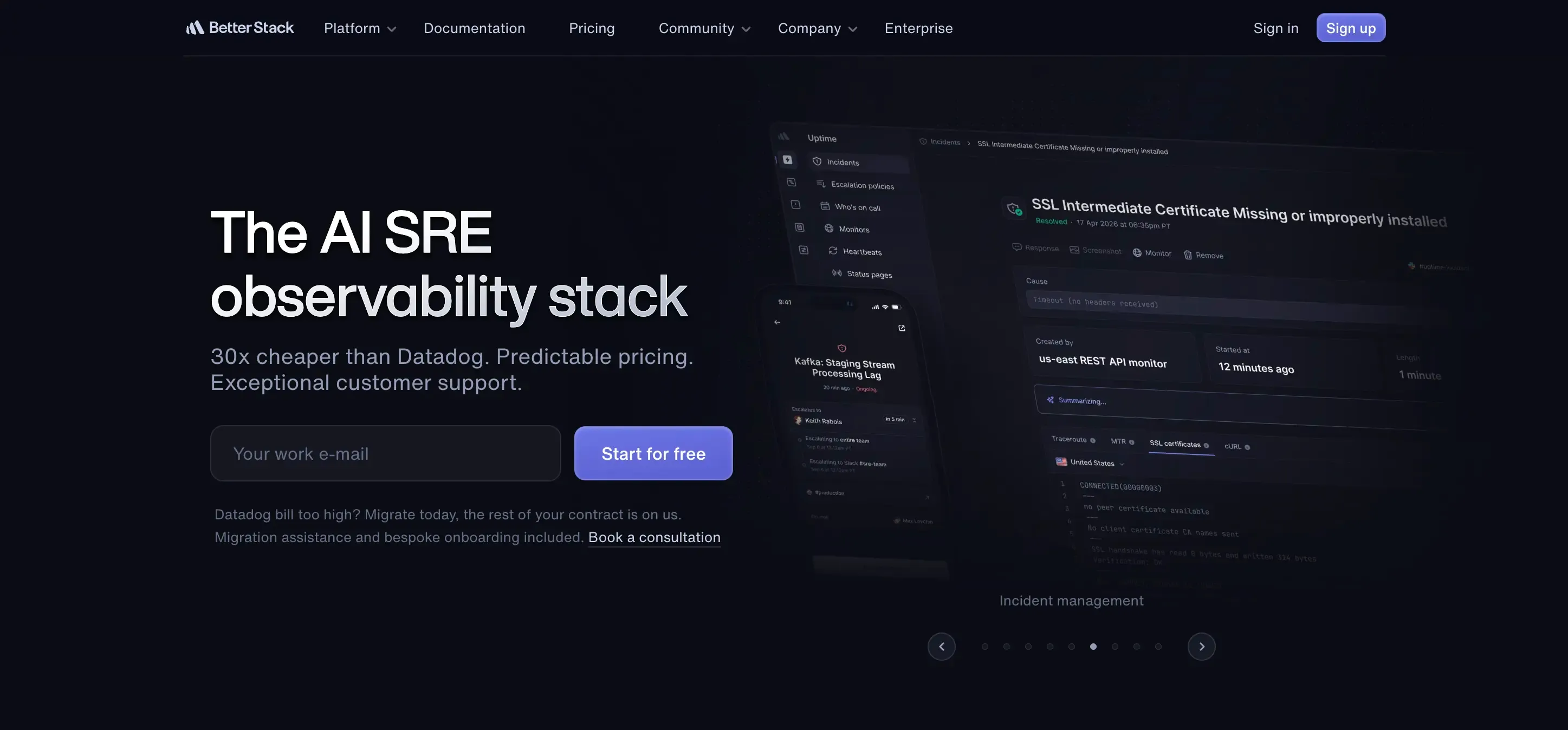
The strongest pick if you have a technical team. Better Stack pairs uptime monitoring with incident management, on-call scheduling, and status pages in one product, with checks as frequent as every 30 seconds and automatic escalation across channels. If your problem is "we need the right engineer paged at 2am," it is built for exactly that.
Pros:
- Uptime, incident management, on-call scheduling, and status pages in one product
- Very fast checks, as frequent as every 30 seconds
- Strong multi-channel alerting and escalation
- Includes log management for teams that want it
Cons:
- Built for technical teams, so it is overkill for a simple site
- Pricing climbs as usage and seats grow
- Assumes an engineer is there to act on the alert
- Still infrastructure-focused, so it will not flag broken forms, SEO, or listing issues
Best for: engineering and DevOps teams that need incident response, not just detection.
2. Uptime Kuma
The open-source, self-hosted option. You run it yourself with Docker, get effectively unlimited monitors, and pay nothing beyond the server it lives on. It is genuinely good and very popular. The catch is that "free" here means you are the sysadmin: you host it, patch it, and keep it running.
Pros:
- Free and open-source
- Effectively unlimited monitors
- No recurring cost beyond your own hosting
- Actively maintained with many notification integrations
Cons:
- You host, patch, and maintain it yourself
- Support is community only, with no vendor to call
- Requires comfort with Docker and the command line
- Checks response and uptime only, not wider site health
Best for: developers and indie hackers who want full control and zero recurring cost.
3. Pingdom
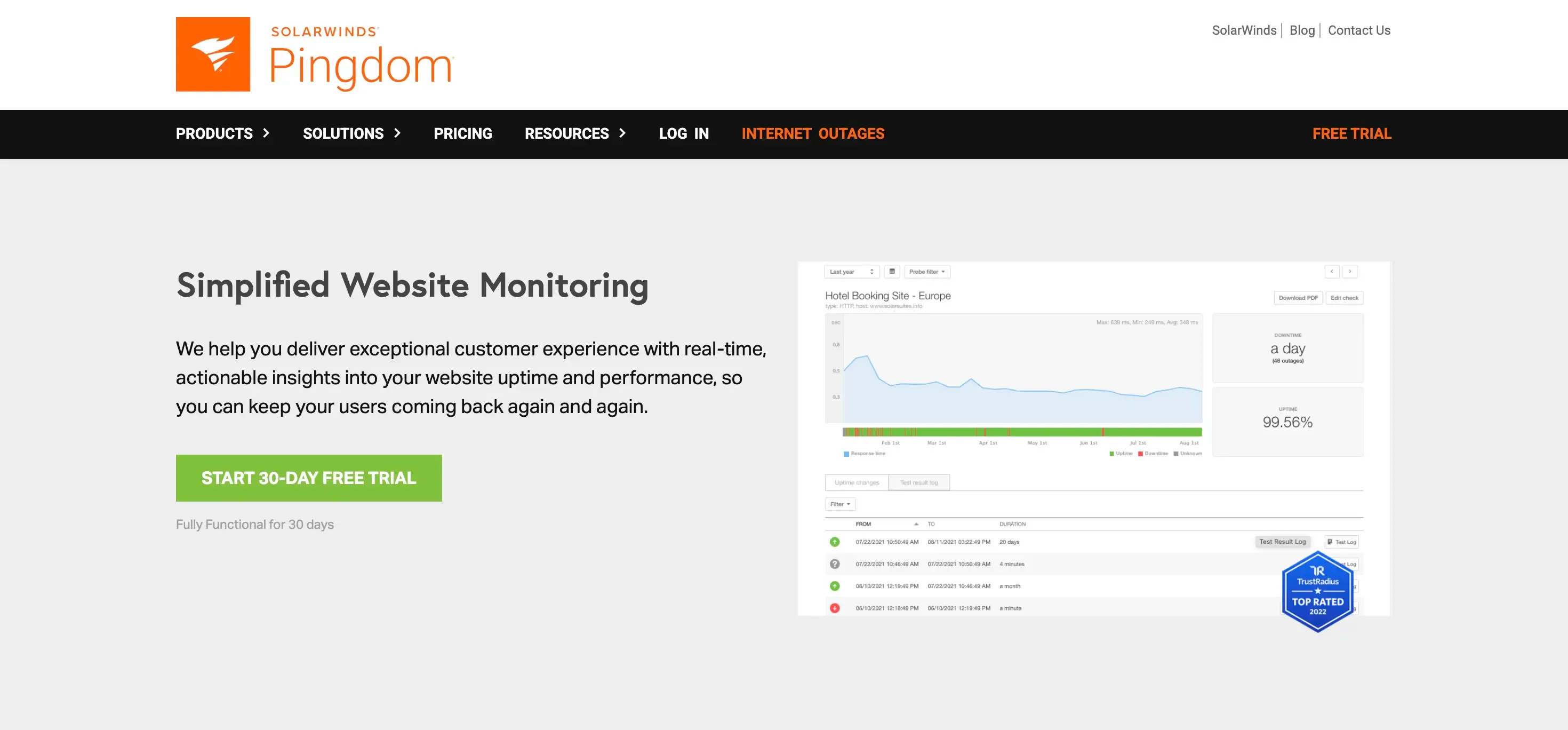
The established enterprise option. Beyond uptime it adds real user monitoring and transaction monitoring, so it can test a flow like a checkout or login rather than just a homepage ping. It is more product, and more cost, than a small business usually needs, but it is a recognized name.
Pros:
- Mature, widely trusted brand
- Real user monitoring shows how actual visitors experience the site
- Transaction monitoring can test multi-step flows like checkout
- Global check locations
Cons:
- No free tier, only a trial
- More expensive than most alternatives here
- Enterprise-oriented, so setup can feel heavy
- Does not evaluate SEO, accessibility, or your Google listing
Best for: larger teams that want real-user and transaction monitoring from an established brand.
4. Site24x7
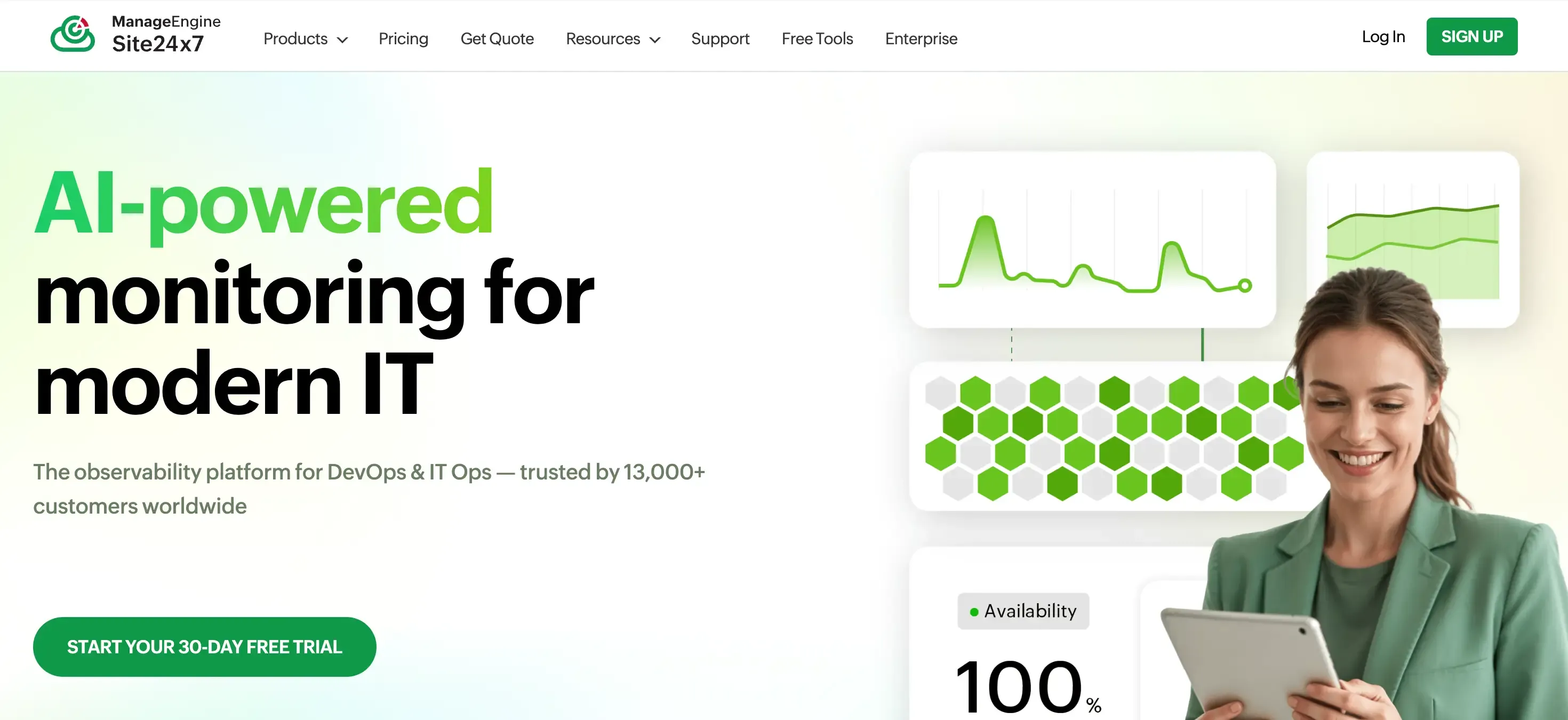
The heavyweight, full-stack pick. Site24x7 goes well past website checks into server, application, network, and cloud monitoring, so it suits IT teams that want one tool watching the whole stack. That breadth is its strength and its weakness: a solo business owner will use a fraction of it.
Pros:
- Very broad coverage across website, server, application, and network
- Competitive entry pricing for the feature depth
- Global monitoring locations and detailed reporting
- Scales to complex, multi-service environments
Cons:
- Far more than a typical small business needs
- The breadth makes it more complex to set up and learn
- Aimed at IT and DevOps, not non-technical owners
- Focused on infrastructure, not site content, SEO, or forms
Best for: IT teams that want full-stack infrastructure monitoring in one platform.
5. StatusCake
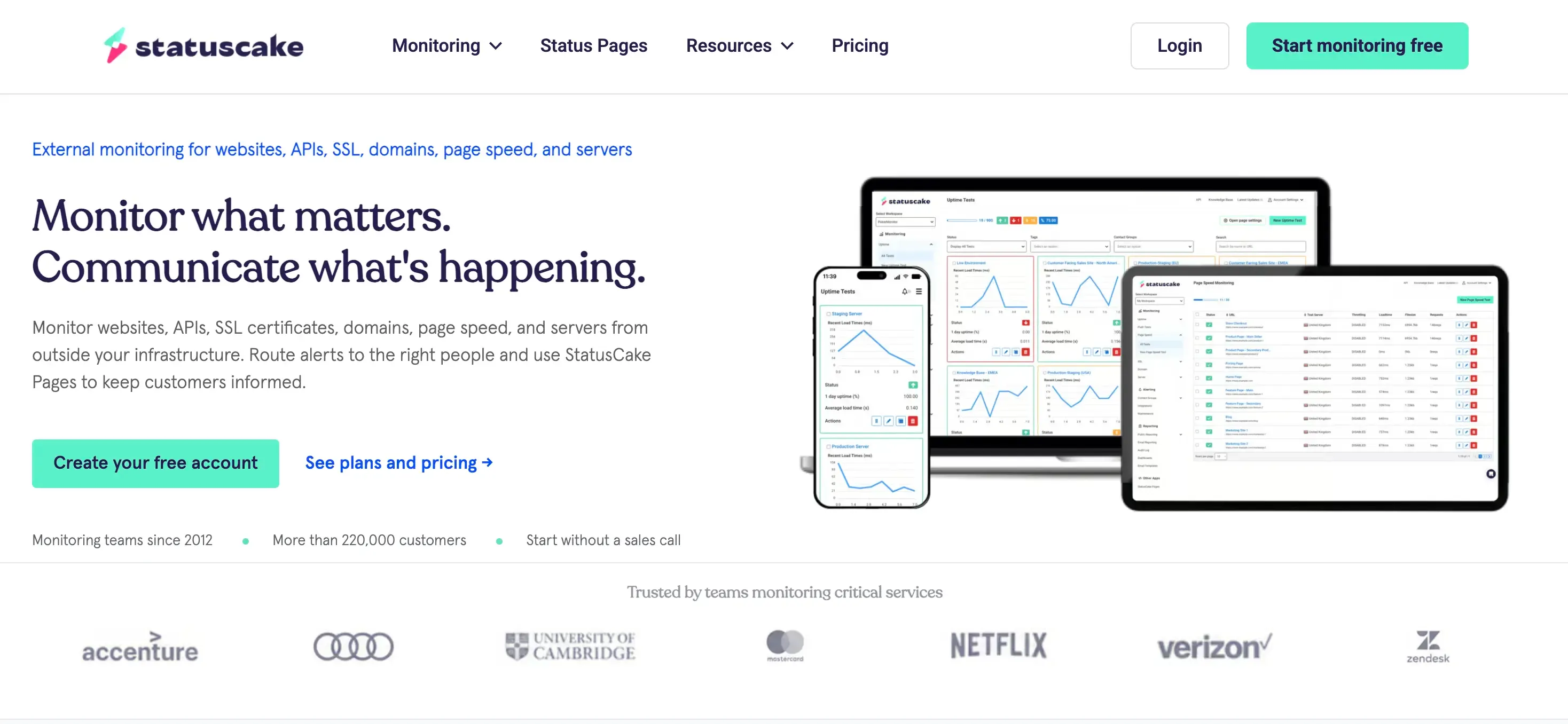
The most SMB-friendly of the pure monitoring tools. It offers a generous free tier, uptime checks from many locations, page speed monitoring, SSL and domain expiry alerts, and public status pages. It is a sensible like-for-like swap if you want the same job done a little better.
Pros:
- Generous free tier
- Simple enough for non-technical owners
- Uptime from many locations, plus page speed, SSL, and domain expiry alerts
- Public status pages included
Cons:
- The more useful features sit behind paid tiers
- Still centered on uptime, speed, and SSL rather than full site health
- Will not catch broken forms, SEO problems, or listing errors
Best for: small businesses and solo owners who want a straight, affordable uptime upgrade.
6. Hyperping
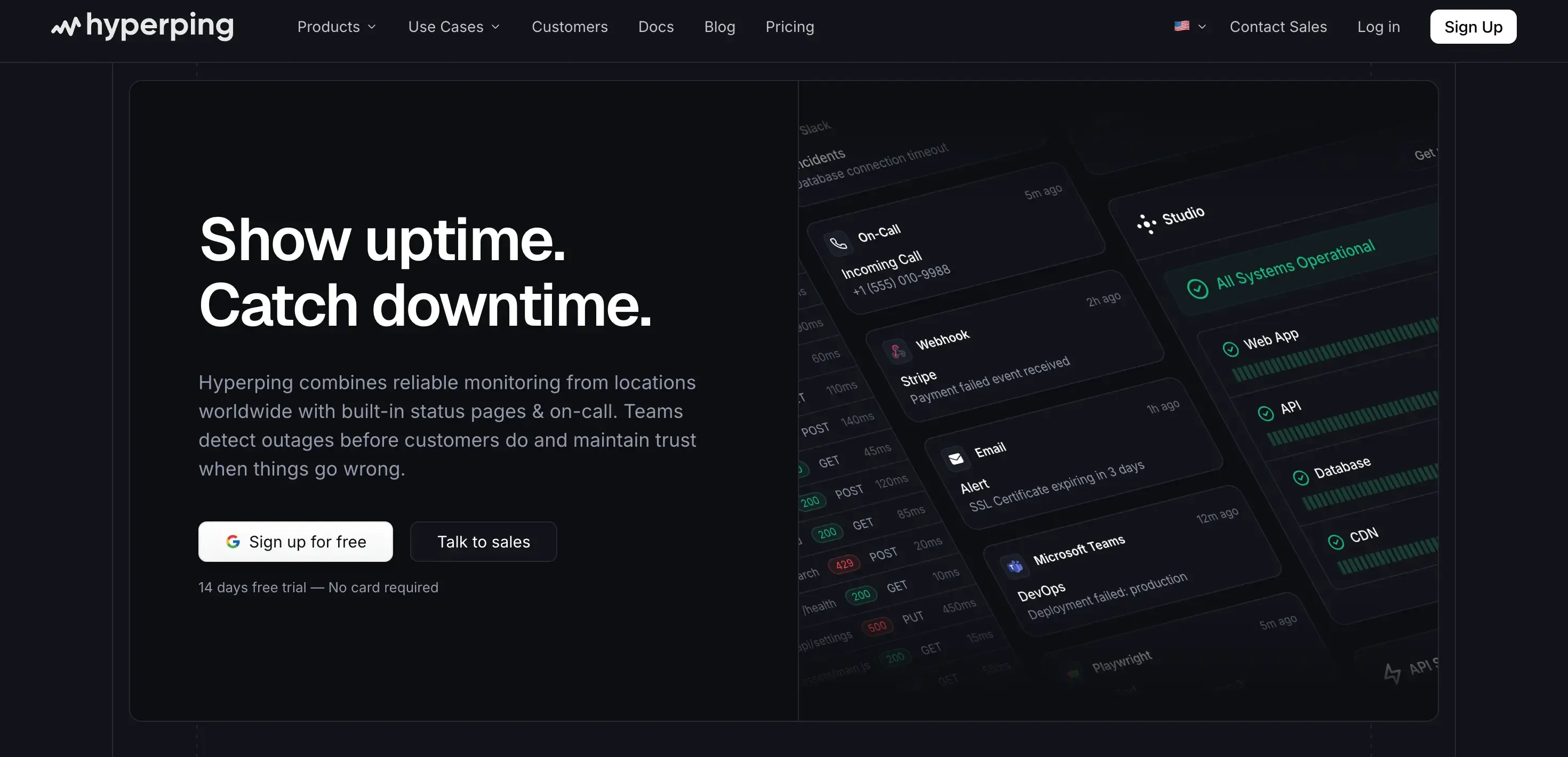
A cleaner, flat-rate take on the Better Stack idea: monitoring, on-call, and status pages together, with pricing that does not surprise you as you grow. Its free tier is relatively generous, and its checks are fast. The audience is still small technical teams rather than non-technical owners.
Pros:
- Flat, predictable pricing
- Free tier with a healthy monitor count and 30-second checks
- Monitoring, on-call, and status pages in one product
- Clean, modern interface
Cons:
- Still fundamentally an uptime and incident tool
- Aimed at technical teams
- Fewer deep diagnostics than the enterprise options
- Does not check forms, SEO, or your Google listing
Best for: small technical teams that want predictable pricing on monitoring plus status pages.
7. Cronitor
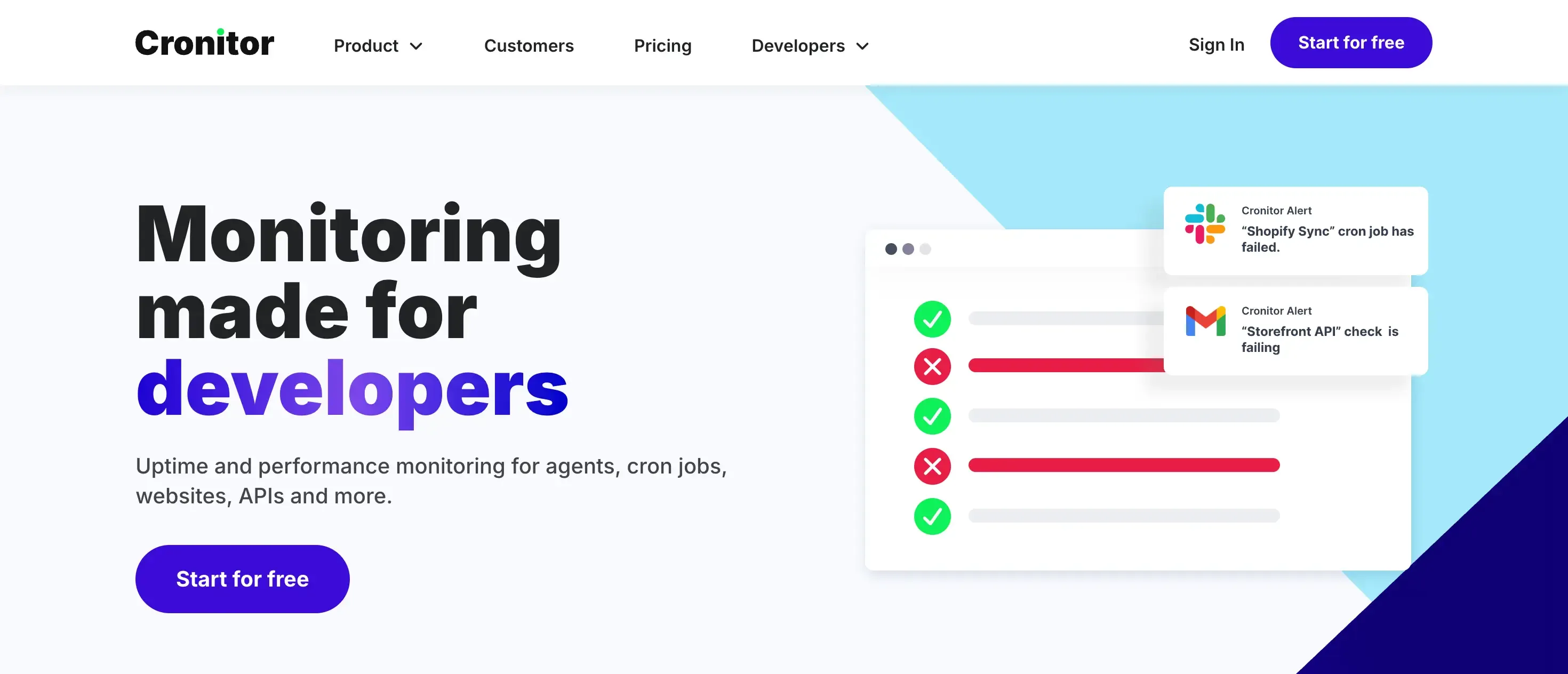
The pick if your worry is not just websites but the background jobs that keep them running. Cronitor started with cron and scheduled-job monitoring and added uptime checks, so it catches a category most uptime tools ignore: the nightly backup or sync that silently stops running.
Pros:
- Monitors cron and scheduled jobs, not just web endpoints
- Uptime and heartbeat checks alongside job monitoring
- Good fit for teams with automated background tasks
- Developer-friendly and API-first
Cons:
- Smaller free tier than UptimeRobot
- Job monitoring focus is wasted if you only need website checks
- Aimed at developers
- Not a site-health or content tool
Best for: teams that need to know their scheduled jobs ran, not just that the site responded.
8. HetrixTools
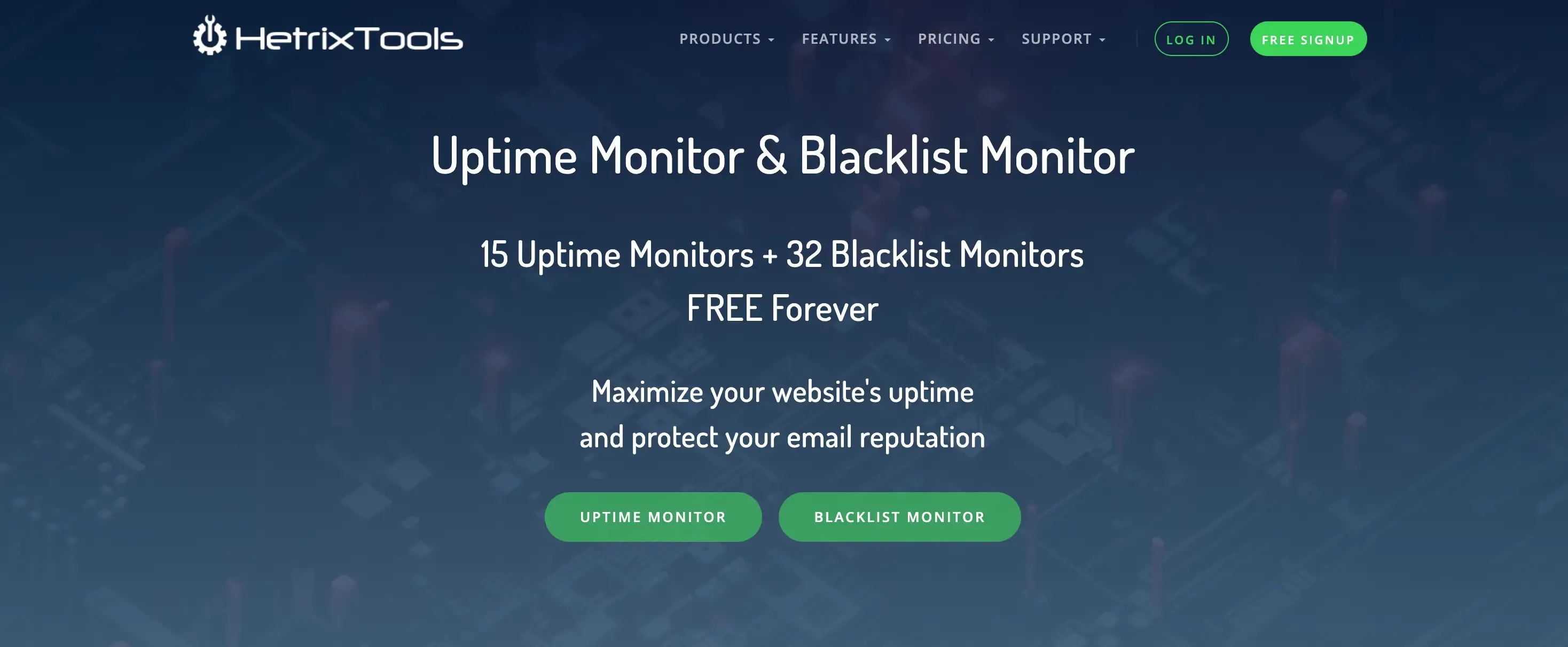
The budget option. HetrixTools offers a healthy free tier and adds blacklist monitoring, which watches whether your domain or IP has landed on a spam blacklist, a real concern if you send email from your domain. It is a lot of monitoring for very little money.
Pros:
- Generous free tier with 15 monitors
- Blacklist monitoring is a genuinely useful extra
- Very low paid pricing
- Covers uptime, SSL, and domain checks
Cons:
- Interface is functional rather than polished
- Blacklist aside, it stays within the uptime category
- Fewer integrations than the larger players
- No fix guidance, just alerts
Best for: cost-sensitive owners who also want blacklist and deliverability-adjacent monitoring.
9. Checkly
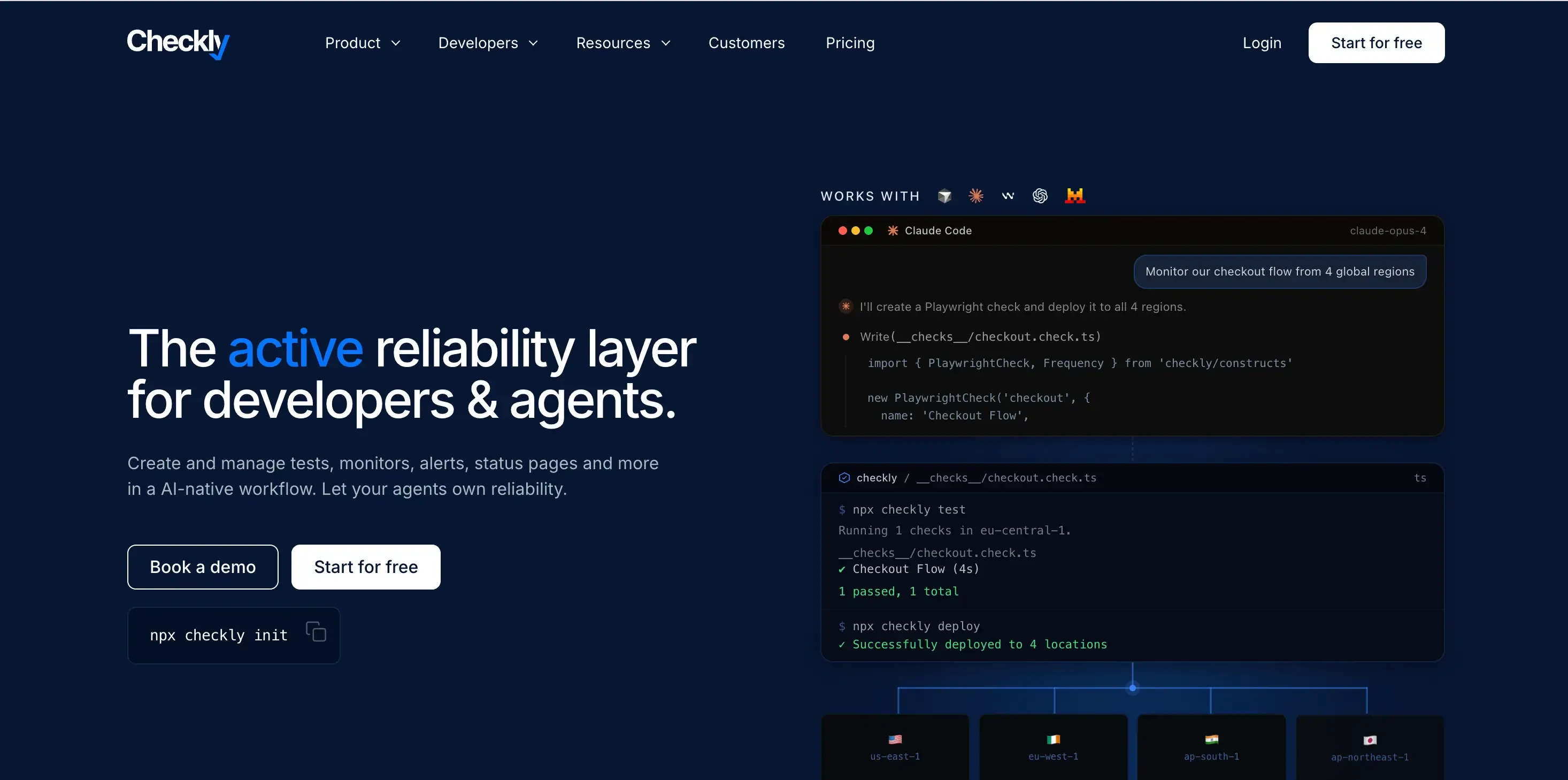
The developer's choice for testing real user flows. Checkly is code-first: you write checks as code, run Playwright browser tests, and monitor APIs, so it can confirm that login, signup, or checkout actually works rather than just that the page loads. Powerful, but it assumes you write code.
Pros:
- Browser checks confirm real user flows, not just page loads
- Monitoring-as-code fits modern engineering workflows
- Strong API monitoring
- Good for catching functional breakage in critical flows
Cons:
- Requires writing and maintaining code
- Overkill and out of reach for non-technical owners
- Priced and built for engineering teams
- Not aimed at SEO, content, or listing health
Best for: engineering teams that want synthetic, code-defined monitoring of key flows.
A different kind of alternative: full site-health monitoring
Every tool above answers one question: is the site up, or is a service responding? That is worth monitoring. But if you read the silent-failure list earlier and recognized your own site, the honest answer is that a faster ping will not catch any of those. They need a tool that watches whether the site is actually working, and tells you how to fix it when it is not.
10. Kapient
Kapient checks whether the site is responding, like UptimeRobot does, but that is the smallest part of what it does. It scans your site at regular intervals across more than 74 technical and quality factors, including source code, server performance, SEO, page speed, SSL and HTTPS configuration, contact forms, and even your Google Business listing and reviews. It works across WordPress, Wix, Squarespace, Shopify, Webflow, and more, so it is not tied to one platform.
Two things set it apart for a non-technical owner:
- It catches the silent failures a ping cannot see. The broken contact form, the expired redirect, the stale Google listing: the exact issues that show "100% uptime" on every other tool in this list.
- It tells you how to fix each one in plain English. Kapient emails you an alert when something needs attention. The fix itself lives in your dashboard: you click "Recommended fix" on the flagged issue and get step-by-step guidance written for a business owner, not a developer.
Pros:
- Monitors 74+ factors across the whole site, not just whether it responds
- Catches silent, revenue-losing failures like broken forms and expired redirects
- Plain-English fix guidance in the dashboard, aimed at non-technical owners
- Works across WordPress, Wix, Squarespace, Shopify, Webflow, and more
- Also watches your Google Business listing and reviews
Cons:
- Broader than you need if all you want is a bare up-or-down ping
To be clear about where it sits: Kapient is not trying to out-ping Better Stack or Checkly for an engineering team. It is the alternative for the person whose real worry is lost enquiries and a broken-looking site, not server outages.
Best for: business owners, freelancers, and agencies who need to know the site is actually working, not just online, and want a fix they can act on themselves.
!Kapient-AI-Generated-Recommendation.webp
Kapient groups issues by category and puts the plain-English fix one click away. (Shown on a seeded test site.)
How to switch from UptimeRobot
Moving is straightforward, and you do not have to do it in one jump:
- List what you monitor now. Note your URLs, check intervals, and alert contacts from your current dashboard.
- Set up the new tool alongside it. Create the account and re-add your monitors. Most tools need only a URL to start.
- Run both in parallel for a day or two. Keep the old monitor active while the new one builds a baseline, and compare the alerts so you trust the new setup.
- Then switch off the old one. Once you are confident, pause or delete the old monitors.
If you are moving because you need more than uptime, this is also the moment to add the checks a ping never gave you, such as form delivery, SSL, and listing accuracy.
How to choose
Strip it down to one question: when your site fails, who is going to see the alert, and what will they do with it?
If the answer is an engineer who will open a terminal, you are in Better Stack, Uptime Kuma, Pingdom, Site24x7, Hyperping, Cronitor, or Checkly territory. Those tools detect service problems and route them to technical people, and they differ mainly on price, incident workflows, and how deep the diagnostics go. StatusCake and HetrixTools sit at the simple, affordable end of that same uptime job.
If the answer is you, the owner, or the freelancer running a client's site, and the failures you lose sleep over are broken forms, dropped enquiries, SSL warnings, a wrong Google listing, and slow pages, then a pure uptime tool is the wrong shape. You want something that watches the whole site's health and hands you the fix. That is the gap Kapient is built for.
!Kapient-dashboard.webp
The core decision: monitor whether the server responds, or monitor whether the site actually works.
Still seeing "100% uptime" while enquiries quietly disappear? Kapient watches the 74+ things a ping cannot see, from broken forms to SSL to your Google listing, and shows you the plain-English fix for each one. Start monitoring your site's real health in a few minutes.
Frequently asked questions
Is there a free alternative to UptimeRobot? Yes. Uptime Kuma is free and open-source if you are willing to self-host it, and tools like StatusCake, Hyperping, and HetrixTools offer free tiers. Just be clear on what "free" is checking: most free uptime plans only confirm the server responds, not that your forms, checkout, or pages are actually working.
Can I use UptimeRobot's free plan for a business website? Not within its terms. Since October 2024, UptimeRobot's free plan has been restricted to personal, non-commercial use. If you run a business site, you either need a paid UptimeRobot plan or an alternative whose free or entry tier permits commercial use, so it is worth checking that condition on any tool you consider.
Is there an open-source alternative to UptimeRobot? Uptime Kuma is the most popular open-source, self-hosted option, with unlimited monitors and no recurring cost. You are responsible for hosting, updating, and maintaining it yourself, so it suits technically comfortable users more than non-technical owners.
What does UptimeRobot actually monitor? It checks whether a website, server, or API responds, using methods like HTTP, keyword, ping, port, and heartbeat checks, and alerts you when a target stops responding. It confirms the server is reachable. It does not evaluate whether the page that loads is functioning correctly for visitors.
Can an uptime monitor tell me if my contact form is broken? No. A standard uptime monitor loads a URL and checks the response code. A form can appear to submit successfully and still fail to deliver the email, and the monitor will never see it. Catching that needs a tool that specifically checks form behavior, which is one of the things Kapient monitors.
Is uptime monitoring enough for a small business website? For a static site with no forms, bookings, or checkout, it can be. For any site where visitors take an action, uptime alone leaves you exposed to silent revenue leaks: broken forms, SSL warnings, slow pages, and a stale Google listing that all report perfect uptime while quietly turning customers away. In those cases, full-site health monitoring is the better fit.
Written by
Khul Anwar
Growth
Khulanwar leads content and growth at Kapient, where the team helps small businesses and agencies keep their websites healthy, fast, and compliant. He writes about website monitoring, technical SEO, and the maintenance work that quietly keeps sites from breaking after launch.
Related articles
10 Best Pingdom Alternatives for 2026
July 29, 2026

10 Common WCAG Failures and How to Fix Them
September 22, 2026

Website Accessibility for Agencies: Turning Compliance Into a Service
September 16, 2026

How to Check if Your Website Meets WCAG Accessibility Standards
September 10, 2026